InspirationPublished 4 min read
WidgyKit holiday theme sets: Halloween, Christmas and New Year
Three WidgyKit holiday theme sets, each with a countdown, a big-number card, a month calendar and wallpapers. Install a whole set in one tap.
Also available in:Tiếng Việt
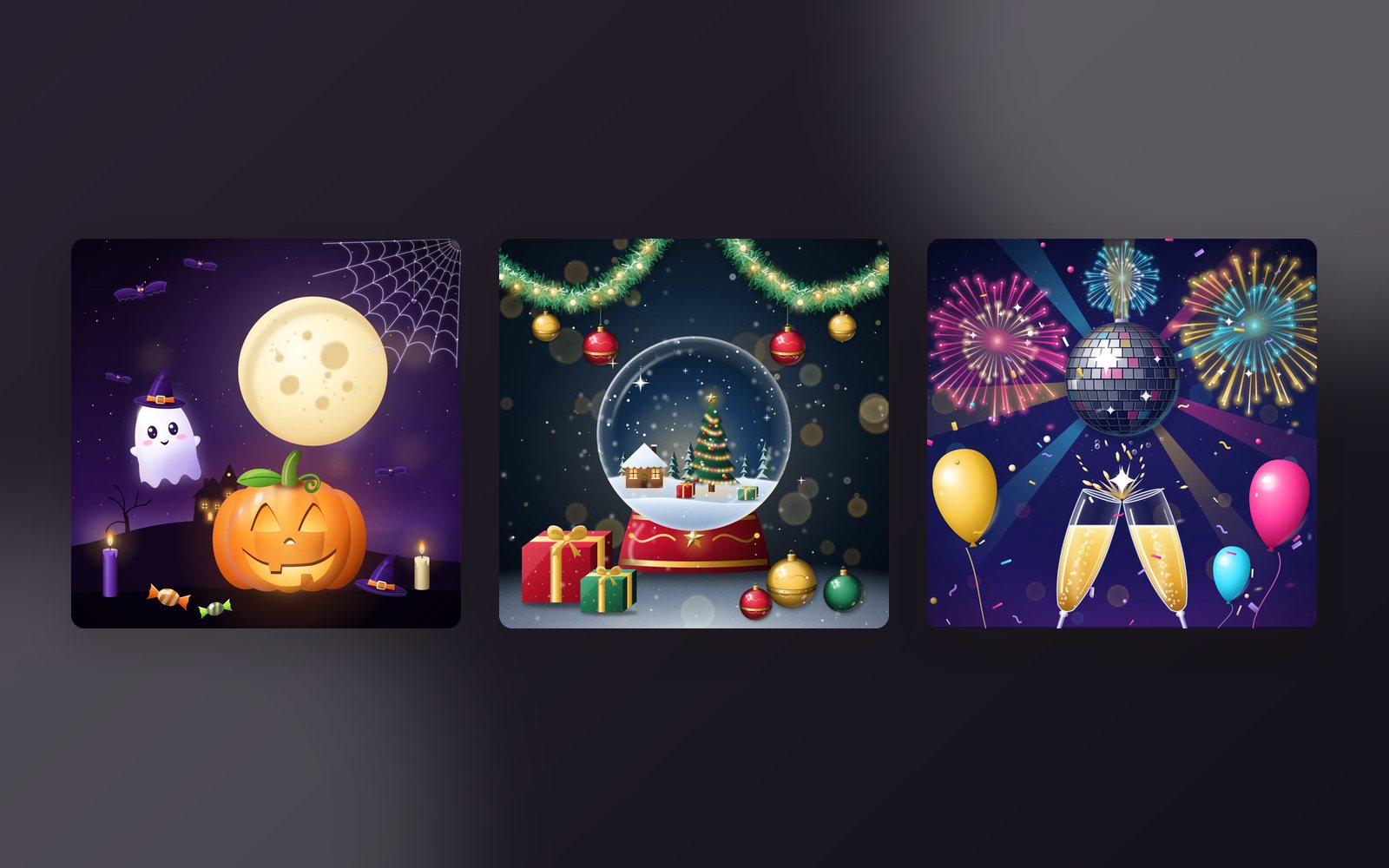
The end-of-year holidays are when many of us want to give our phone a new outfit. Instead of picking widgets one by one and hunting for a wallpaper to match, WidgyKit has ready-made theme sets: three matching widgets plus wallpapers, installed in one go. There are three right now: Halloween, Christmas and New Year.
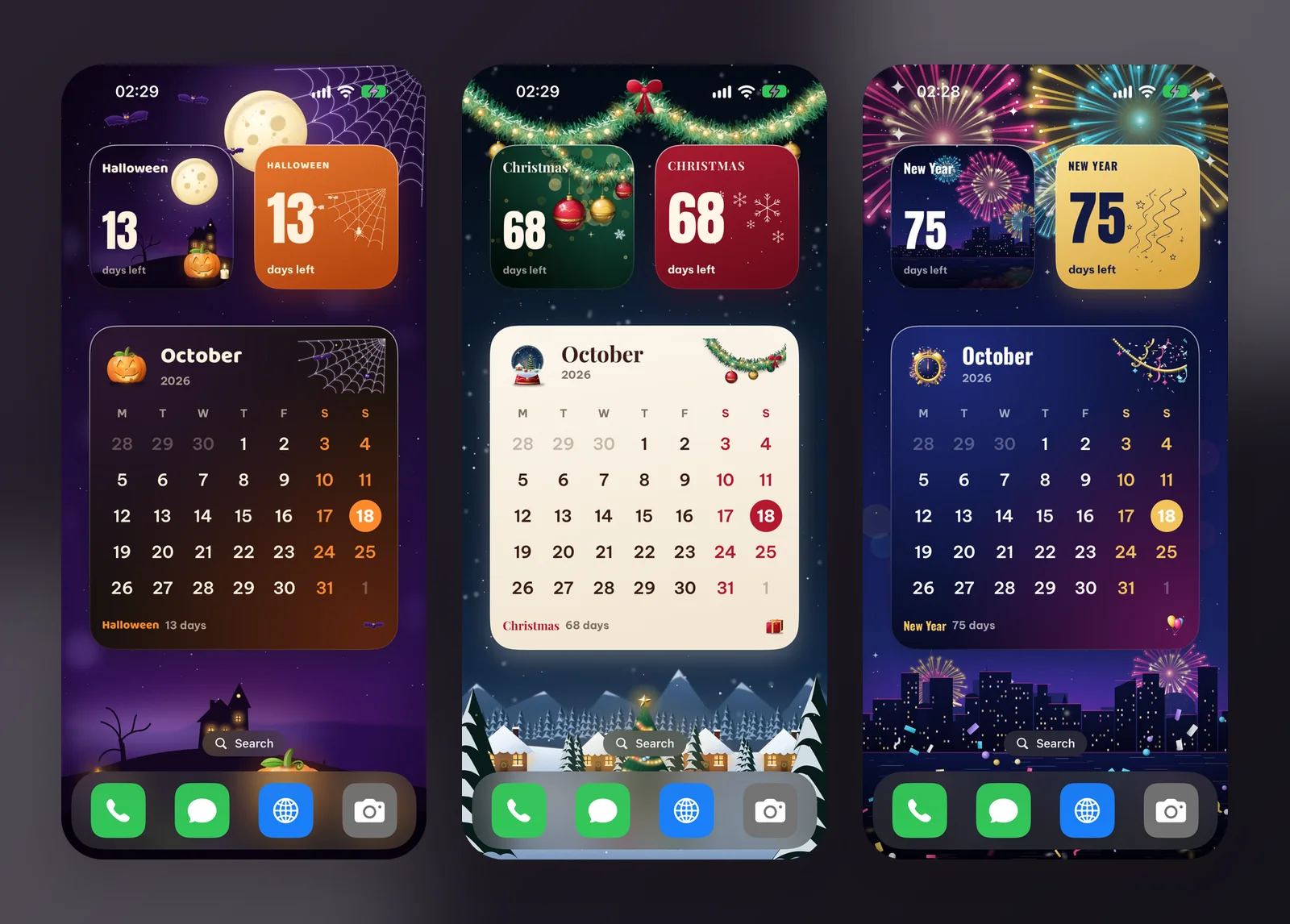
What is a theme set?
Every WidgyKit theme set includes:
- Three matching widgets: a small countdown, a small big-number card and a large month calendar.
- Wallpapers for the Home Screen and Lock Screen in the same palette.
- A preview showing where each widget goes on the screen.
Install the whole set installs all three widgets at once. On iPhone, the wallpaper is saved to Photos; open it › Share › Use as Wallpaper. On Android, the app opens the wallpaper screen directly, then you tap Add on each widget and drag it to the suggested spot.
Halloween: glowing pumpkins and a cute ghost
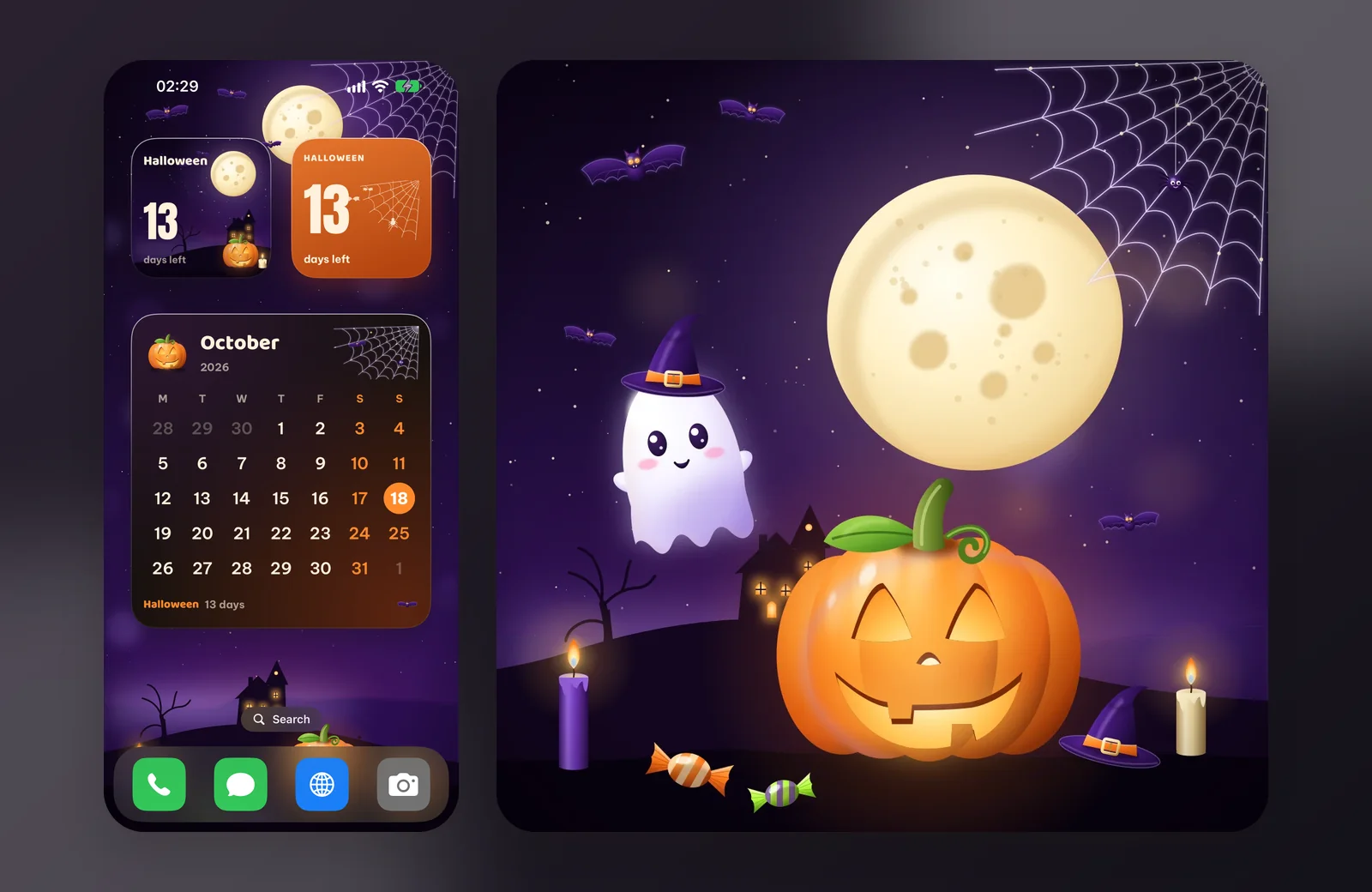
Glowing jack-o'-lanterns, a little ghost and a haunted moon on a deep purple night:
- Halloween countdown: a moonlit haunted hill counting the nights to October 31.
- Pumpkin card: burnt orange with a spiderweb and a big countdown.
- Spooky month: this month's calendar dressed for Halloween.
Halloween is less than two weeks away, so this is the one to install now.
Christmas: snow globes and pine garlands
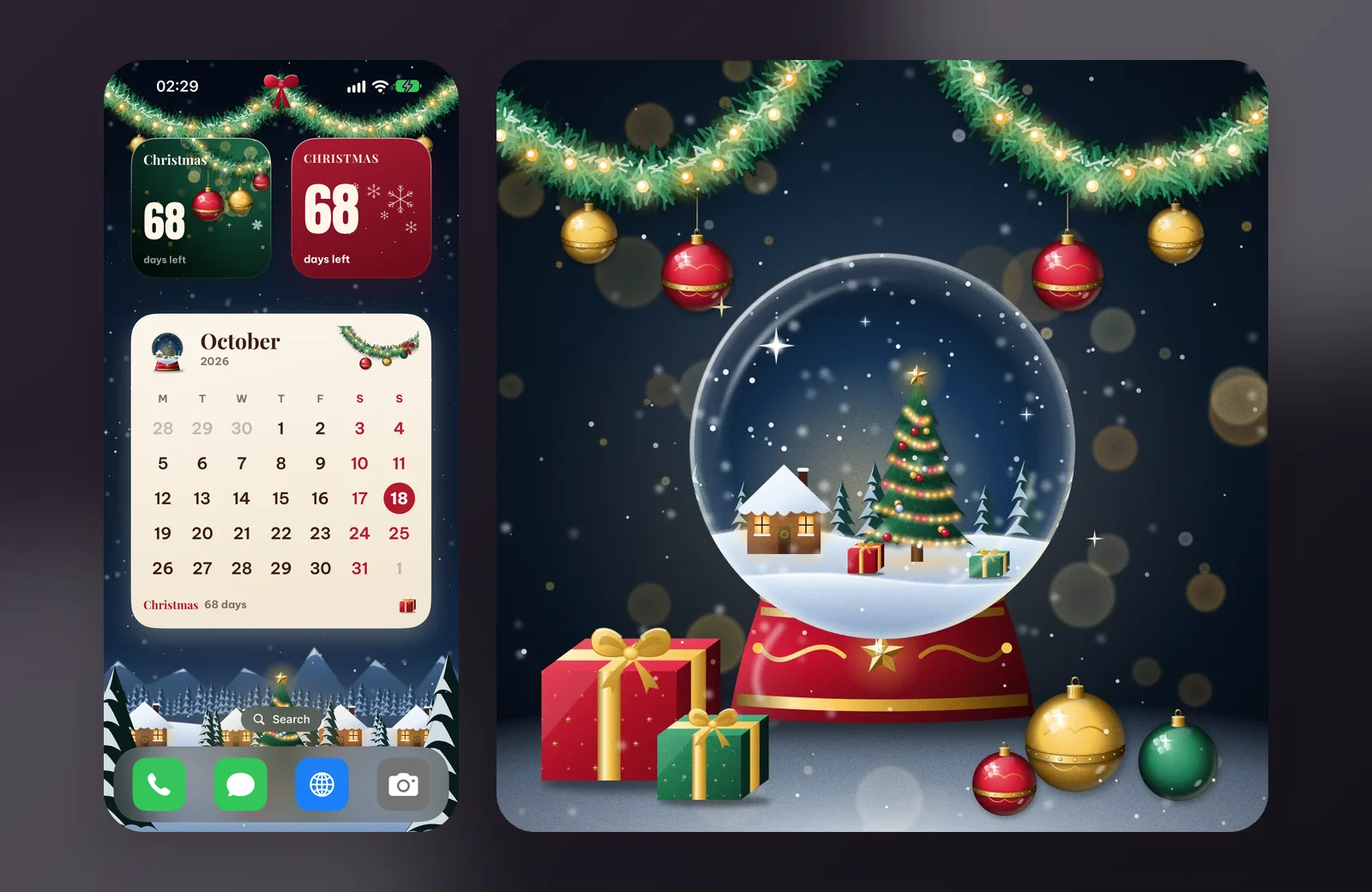
Glossy baubles, a snow globe and a sparkling garland on a warm snowy night:
- Christmas countdown: a snowy village that glows brighter as Christmas comes closer.
- Velvet snow card: velvet red with snowflakes and a big countdown.
- Christmas month: a cream calendar with a snow globe and a pine garland.
New Year: fireworks and champagne
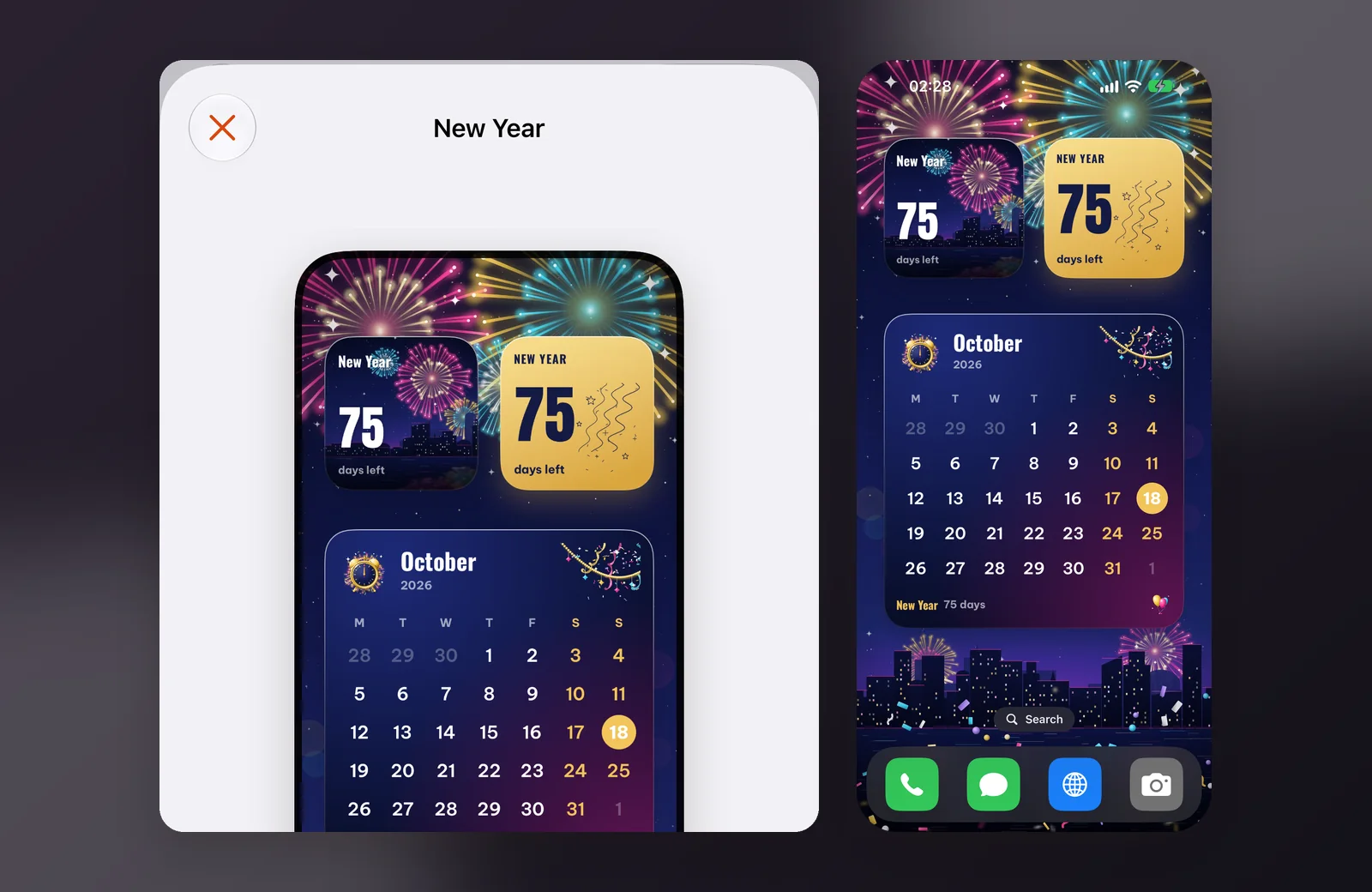
Dazzling fireworks, champagne and a disco ball for New Year's Eve:
- New Year countdown: fireworks over the city counting down to January 1.
- Champagne card: champagne gold with streamers and a big countdown.
- Sparkling month: this month's calendar with confetti and streamers.
Add a clock for the full mood
Besides the three set widgets, each holiday has its own clock (small and medium) you can add:
- Little ghost clock: live time in candlelight with a cute ghost.
- Snowman clock: live time in a warm glow with a cheerful snowman.
- Cheers clock: live time in a golden glow with two clinking flutes.
How to install a whole set
- Open WidgyKit › Widgets tab › scroll to Theme sets › choose a set.
- Tap Install the whole set. On iPhone, allow WidgyKit to add photos so it can save the wallpaper.
- Set the wallpaper: on iPhone open Photos › the new picture › Share › Use as Wallpaper; on Android follow the wallpaper screen the app opens.
- Add the widgets: on iPhone touch and hold an empty spot › Edit › Add Widget › WidgyKit, add two small widgets and one large, then touch and hold each › Edit Widget › pick the right design. On Android tap Add on each widget in the set and drag it to the marked spot.
When the season is over, just pick another design in Edit Widget or install a new set. Need layout inspiration? See aesthetic Home Screen ideas, and for more countdowns, countdown widget ideas.
FAQ
Are the theme sets free?
In the current catalog, the Halloween, Christmas and New Year sets and their widgets are all marked Free.
Do the countdowns know the holiday dates?
Yes. The widgets in each set already know the dates of Halloween, Christmas and New Year, so there's nothing to enter.
Wrapping up
One tap for widgets and wallpaper is the fastest way to dress your phone for the season. Download WidgyKit, install Halloween today, then switch to Christmas when December arrives.
Keep reading
Inspiration3 min read
WidgyKit kawaii widgets: cute habits, countdowns and love counter
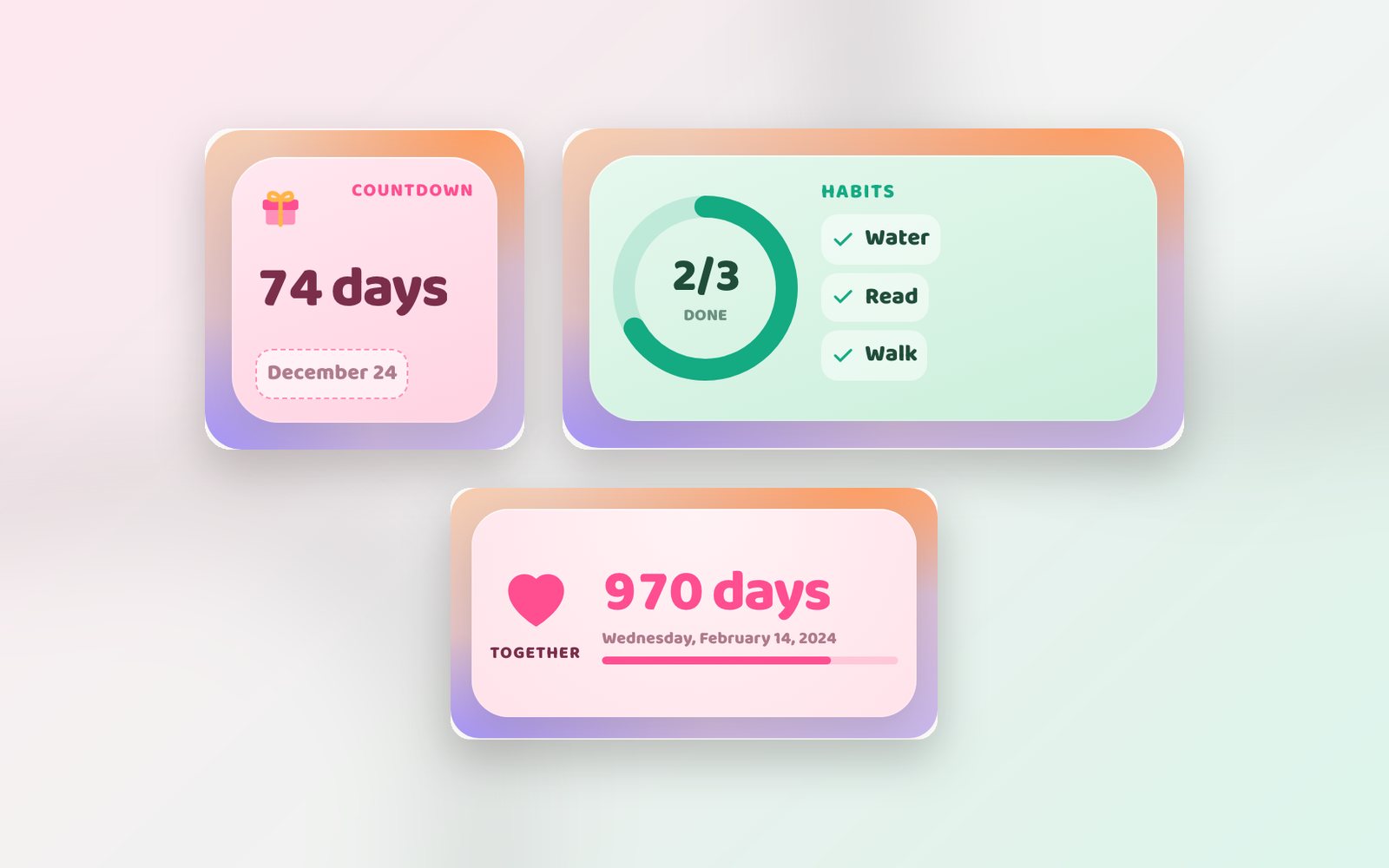
Kawaii habits, Kawaii countdown and Together: WidgyKit's pastel widgets for tracking daily habits, counting down to a big day and counting the days you've been together.
Inspiration5 min read
Countdown Widget Ideas: 10 Events Worth Counting Down To
Countdown widget ideas for New Year, birthdays, exams, trips, weddings and launches, with styling tips, fixed vs moving dates and multiple countdowns in one widget.
Inspiration6 min read
10 Aesthetic Home Screen Ideas You Can Copy Today
Ten aesthetic home screen ideas for iPhone and Android, with the exact widgets, sizes and color tips to build each look, plus the design principles behind them.