One matching style
Every widget shares colors, type and corner radius — your home screen looks designed, not collected.
Free to start on iOS & Android
Clocks, weather, events, calendar, habits, countdowns… Instead of installing ten apps for ten widgets, WidgyKit brings them all together — one style, beautifully matched on your home screen.
Fewer one-off apps. WidgyKit gives you a matching set of widgets that is light and respects your privacy.
Every widget shares colors, type and corner radius — your home screen looks designed, not collected.
See the time in the cities that matter to you, perfect for family abroad and remote teams.
Each template has its own layout per size, not just scaled up or down.
Widgets render from on-device data. No signal? Time, calendar and habits still show.
Mark a habit done or jump straight to the widget in the app with one tap.
Weather and events refresh on the system schedule to save battery.
The WidgyKit team keeps adding widgets and theme sets to the catalog. Each one is Free or included in Premium.
Sign in with Apple, Google or email to use Premium and your pinned widgets on all your devices.
Start with the most-loved widget types — and add more from the WidgyKit catalog.
Choose a ready-made template in the app, or design your own in the web Studio with drag & drop.
The widget joins your collection, ready in all three sizes.
Long-press your home screen, pick WidgyKit and drop the widget where you like.
Pick a template, color and size — the preview updates instantly, just like in the app.
Illustrative preview — sample data.
WidgyKit Studio is a widget designer on the web. Drag in elements, bind live data, preview all three sizes in light and dark, with no code.
Starting on iOS and Android. macOS, Windows and Linux are in the works.
Widgets read data saved on your device and do not depend on a connection.
Your habits, events and notes are stored locally on your device.
Use WidgyKit, and even buy Premium, without signing up. Sign in only to sync across devices.
A few templates ship at launch. New ones arrive every week.
Browse and preview every widget and theme set for free. WidgyKit Premium unlocks all Premium content and removes ads.
Free widgets and theme sets, with ads in the iPhone and Android apps.
0/ forever
Every Premium widget, size and theme set, with no ads.
Plans
Web prices in US dollars, tax added where it applies. In the apps, the App Store and Google Play show prices in your local currency.
Yes. You can download the app and use the free widgets without an account. The free iPhone and Android apps show ads. WidgyKit Premium removes ads and unlocks all Premium widgets and theme sets.
Practical how-tos, layout inspiration and design notes from the WidgyKit team.
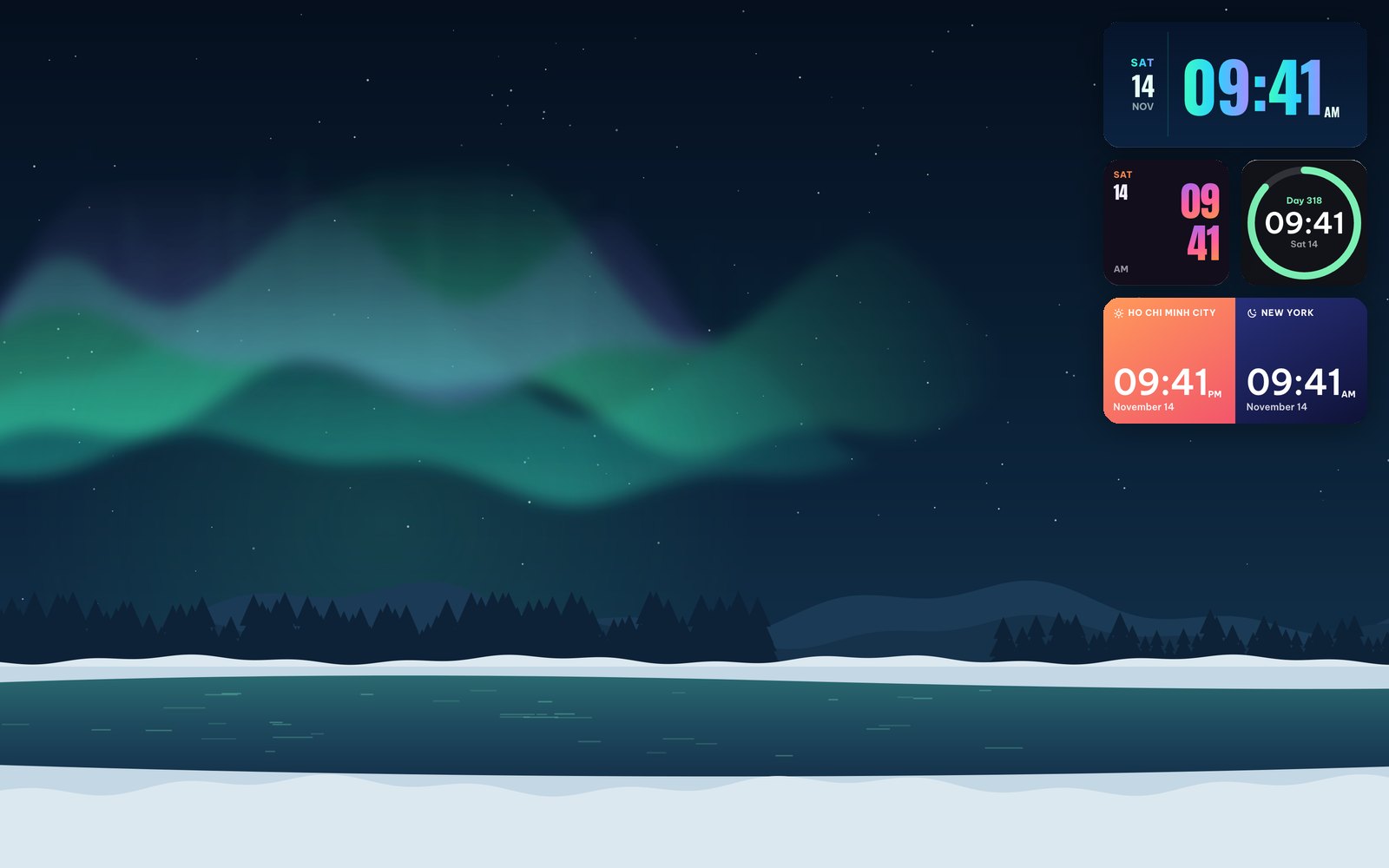
Inspiration7 min read
Ten Windows desktop setups, each a wallpaper plus live widgets made for it: Northern Lights, Dark Academia, Hygge, City Lights, Zen, 80s synthwave and more.
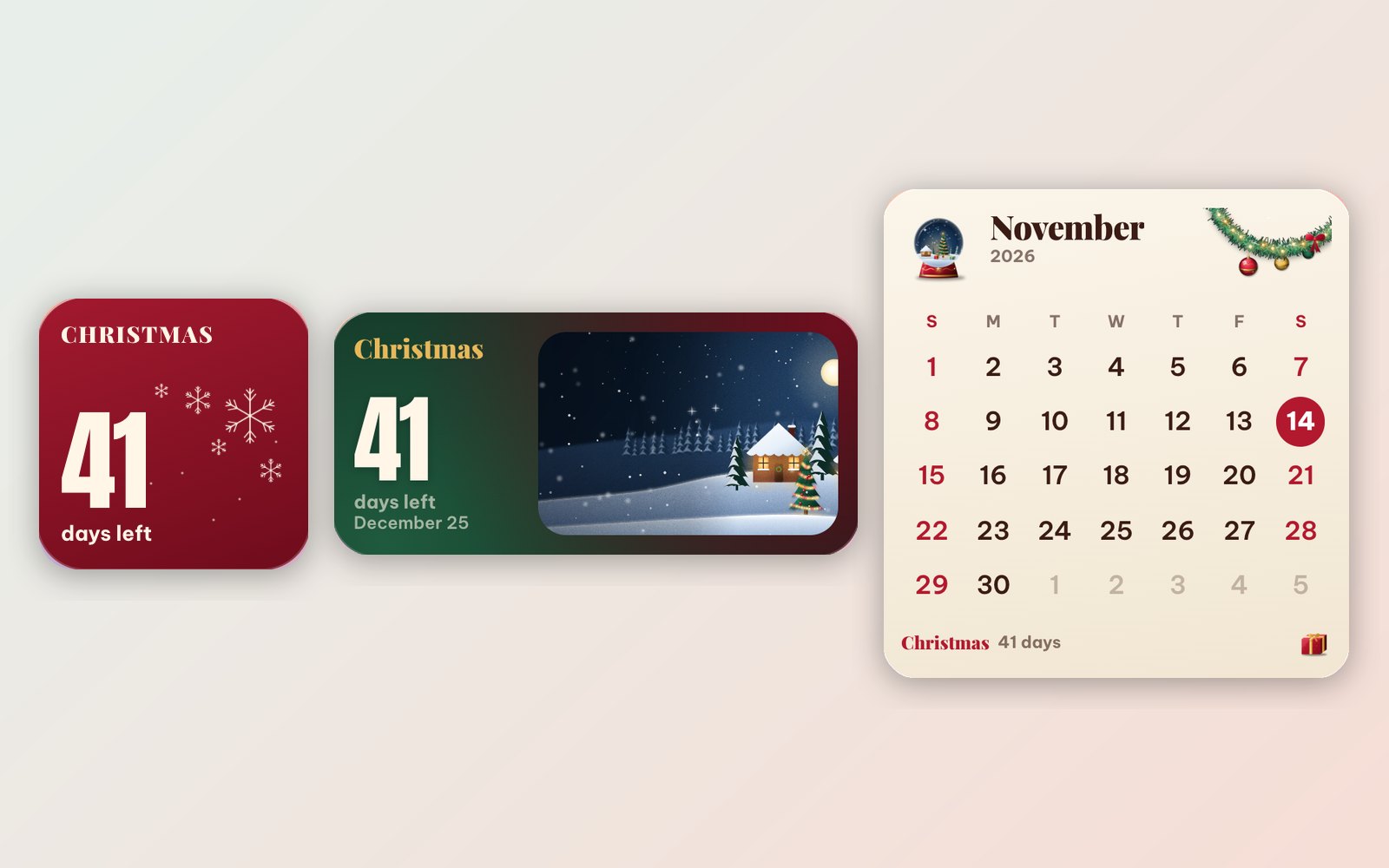
Culture5 min read
Christmas countdown widgets for iPhone, Android and Windows: a velvet snow card, a snowy village, a snowman clock, a Christmas calendar and US holidays.
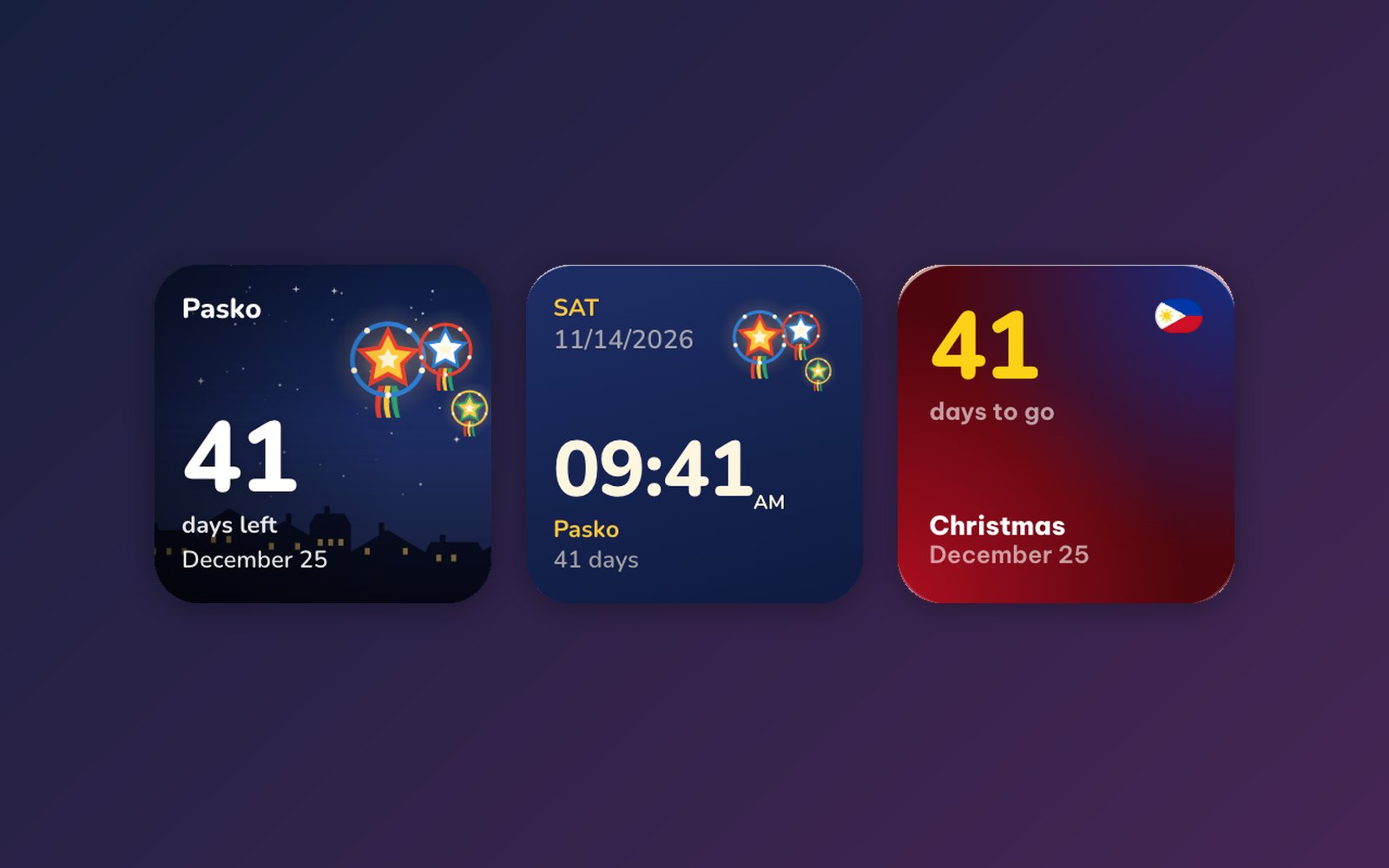
Culture5 min read
Count down to Pasko with parol lantern widgets, a Philippine flag countdown, a Maligayang Pasko greeting and a holidays list with Rizal Day.
Download WidgyKit for free and start your first widget kit today.
WidgyKit for iPhone and Mac is waiting for App Store review. Until then, the full app is open to everyone as a free public beta. iPhone needs iOS 17 or later, Mac needs macOS 14 or later.