CulturePublished 5 min read
Paskong Pinoy Countdown: Christmas Widgets for the Philippines
Count down to Pasko with parol lantern widgets, a Philippine flag countdown, a Maligayang Pasko greeting and a holidays list with Rizal Day.
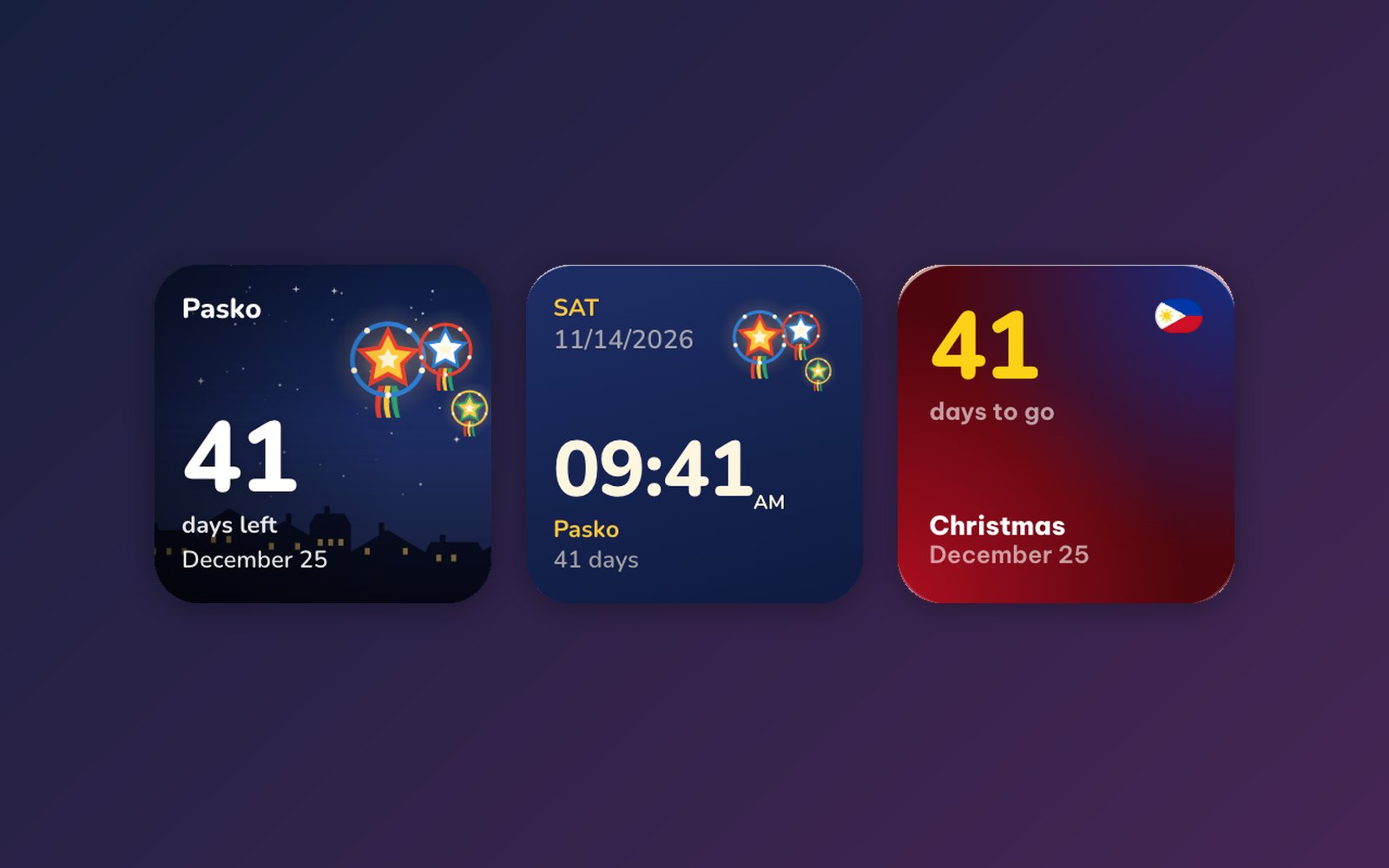
In the Philippines, Christmas does not wait for December. The first "ber" month is enough: by September the carols are on in the malls, and by November the parol lanterns are up in windows, churches and barangay streets. With a season that long, a countdown is less about "is it close?" and more about enjoying every step: the first parol, Simbang Gabi, Noche Buena.
WidgyKit has a small family of widgets made for Paskong Pinoy, plus a Philippine holidays widget that keeps the rest of the season in view. The previews below were rendered on November 14, 2026, Manila time, when Pasko was 41 days away.
The Paskong Pinoy widgets
| Widget | Sizes | Price |
|---|---|---|
| Paskong Pinoy (Christmas) countdown | Small, medium, Lock Screen | Small free, other sizes Premium |
| Paskong Pinoy (Christmas) clock | Small | Free |
| Paskong Pinoy (Christmas) greeting | Small, medium | Small free, medium Premium |
| Philippines · Christmas | Small, medium, round Lock Screen | Free |
| Philippines · Holidays | Small, medium, large, Lock Screen | Free |
Parol lanterns: the countdown and the clock
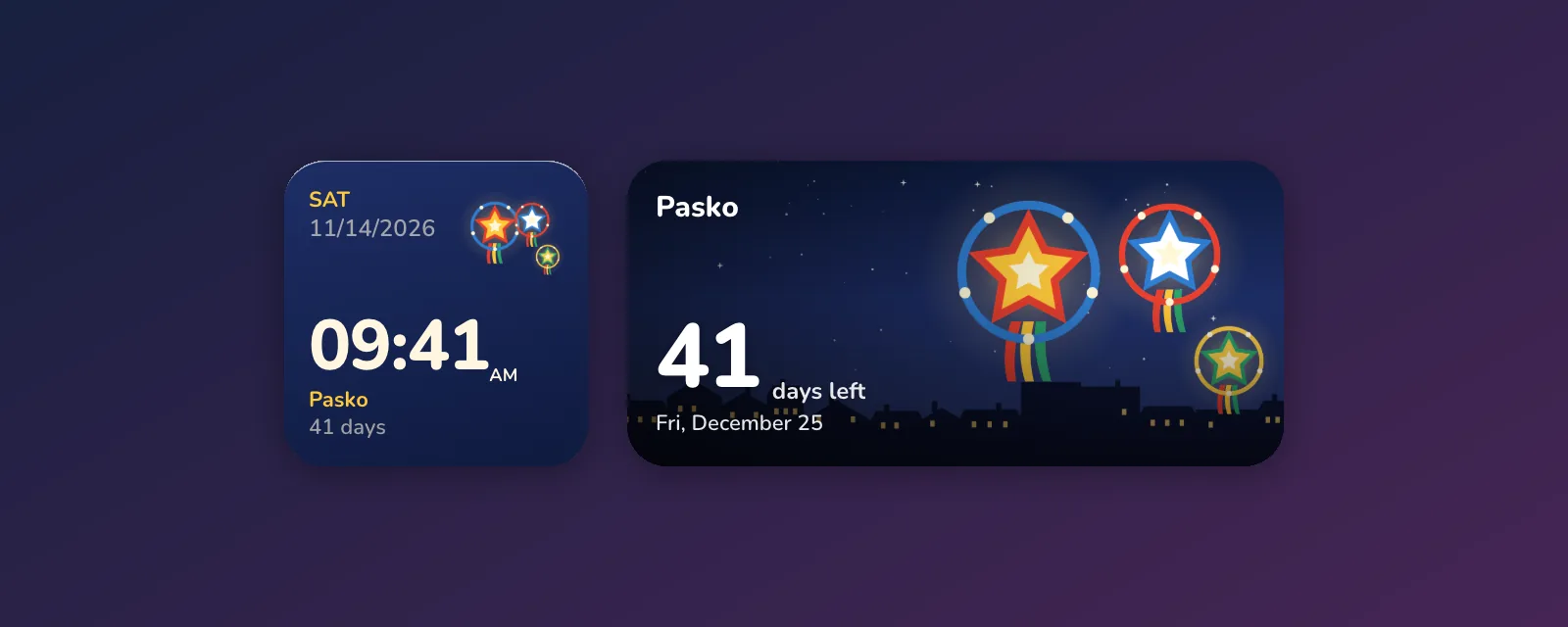
Both designs use an original illustration of three glowing parol star lanterns, with tassels in red, yellow, green and blue, hanging over a night sky.
- Paskong Pinoy countdown puts the number of days to Pasko under the lanterns, with a row of rooftops and lit windows along the bottom. The small size is free, the medium size and the rectangular iPhone Lock Screen version come with Premium.
- Paskong Pinoy clock is a small widget with the time and date, and a line underneath that keeps counting: "Pasko · 41 days". It is free, and a nice choice if you want a clock and a countdown in one square.
Maligayang Pasko! The greeting

Paskong Pinoy greeting writes "Maligayang Pasko!" in big friendly type under the same lanterns, with the days to go below. It is the widget to put next to a family photo or on a shared tablet at home. Small is free, medium needs Premium.
On the flag colours: Philippines · Christmas
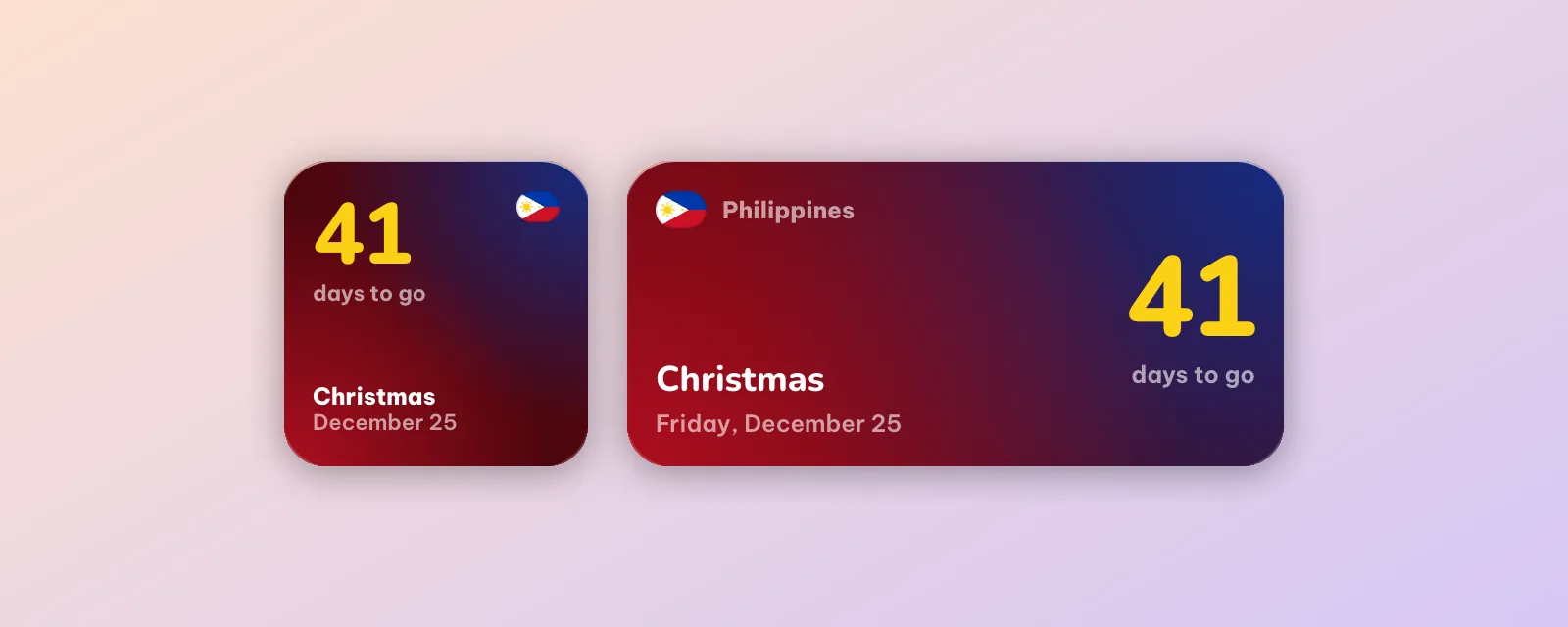
If you prefer something cleaner, Philippines · Christmas shows the days to go in big yellow numbers on a red-to-blue gradient, with the Philippine flag in the corner and "Christmas, December 25" below. It is free in every size, including a round Lock Screen widget on iPhone that sits nicely under the clock.
The rest of the season: Philippines · Holidays
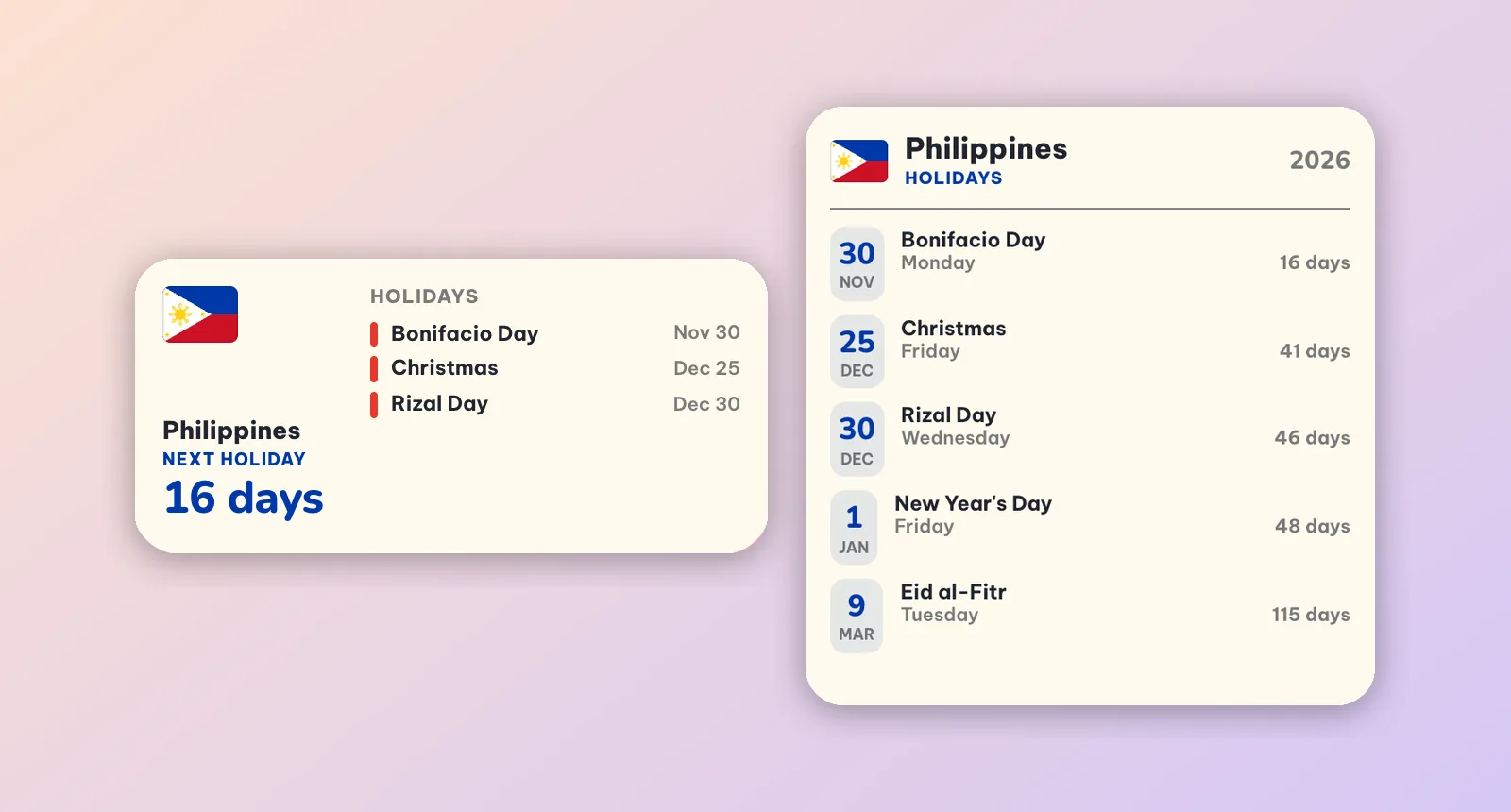
The Christmas season is full of other dates. Philippines · Holidays lists the next public holidays with the days to each one. In mid-November the large size shows:
- Bonifacio Day, Monday, November 30
- Christmas, Friday, December 25
- Rizal Day, Wednesday, December 30
- New Year's Day, Friday, January 1
- Eid al-Fitr, Tuesday, March 9
The small size shows only the next one in big type ("16 days · Bonifacio Day"), which is handy for planning a long weekend. Islamic holidays such as Eid al-Fitr depend on the sighting of the moon, so the official date can still move by a day when it is announced.
Ideas for a Pasko screen
- Simbang Gabi helper: the nine dawn Masses run from December 16 to 24. Put the Paskong Pinoy clock on your first page so the time and the countdown are the first things you see when the alarm goes off.
- Family tablet: the medium Maligayang Pasko greeting at the top, Philippines · Holidays (medium) below.
- OFW setup: working abroad? Pair the countdown with a world clock set to Manila so you always know what time it is at home. See world clock widgets for remote teams for ideas.
- Desk at work: on Windows, place the Philippines · Christmas countdown in a corner of your desktop. The steps are in how to put widgets on your Windows 11 desktop.
How to add them
- Open WidgyKit and go to the Widgets tab. If your phone or PC is set to the Philippines, the Philippine widgets appear in Suggested for you. You can also search for Pasko or Philippines.
- Open a widget and tap Install (on Windows, click Add to desktop).
- Android: touch and hold an empty spot on the Home Screen › Widgets › drag WidgyKit onto the screen and pick the design. Full steps in how to add widgets on Android.
- iPhone: touch and hold an empty spot › Edit › Add Widget › WidgyKit, choose a size, then Edit Widget to pick the design. See how to add widgets to your iPhone Home Screen.
FAQ
Which Paskong Pinoy widgets are free?
The Paskong Pinoy clock, Philippines · Christmas and Philippines · Holidays are free in every size. The Paskong Pinoy countdown and greeting are free in small size, and their larger sizes come with WidgyKit Premium.
Do I need to open the app every day?
No. The countdown changes by itself at midnight, Philippine time if that is where your phone is set.
Is WidgyKit available in the Philippines?
Yes. It is on Google Play and the Microsoft Store, and on iPhone it is in public beta through TestFlight. The download section has every link.
Wrapping up
The parol is the symbol of a Filipino Christmas, and now it can hang on your Home Screen for the whole season. Start with the free Paskong Pinoy clock, add the holidays list for Bonifacio Day and Rizal Day, and download WidgyKit. Maligayang Pasko!
Keep reading
Culture5 min read
Christmas Countdown Widgets for Your Home Screen and Desktop
Christmas countdown widgets for iPhone, Android and Windows: a velvet snow card, a snowy village, a snowman clock, a Christmas calendar and US holidays.

Inspiration7 min read
10 Aesthetic Windows Desktop Setups With Matching Widgets
Ten Windows desktop setups, each a wallpaper plus live widgets made for it: Northern Lights, Dark Academia, Hygge, City Lights, Zen, 80s synthwave and more.
Guides5 min read
How to Put Widgets on Your Windows 11 Desktop
Windows 11 keeps widgets in a side board. Here is how to put live clocks, calendars and weather on the desktop itself, move them and keep them after a restart.