DesignPublished 2 min read
WidgyKit newspaper and paper-style retro widgets
The Daily, Mixtape year, Year progress and France · public holidays: WidgyKit widgets that bring newsprint, serif headlines and cassettes to your phone.
Also available in:Tiếng Việt
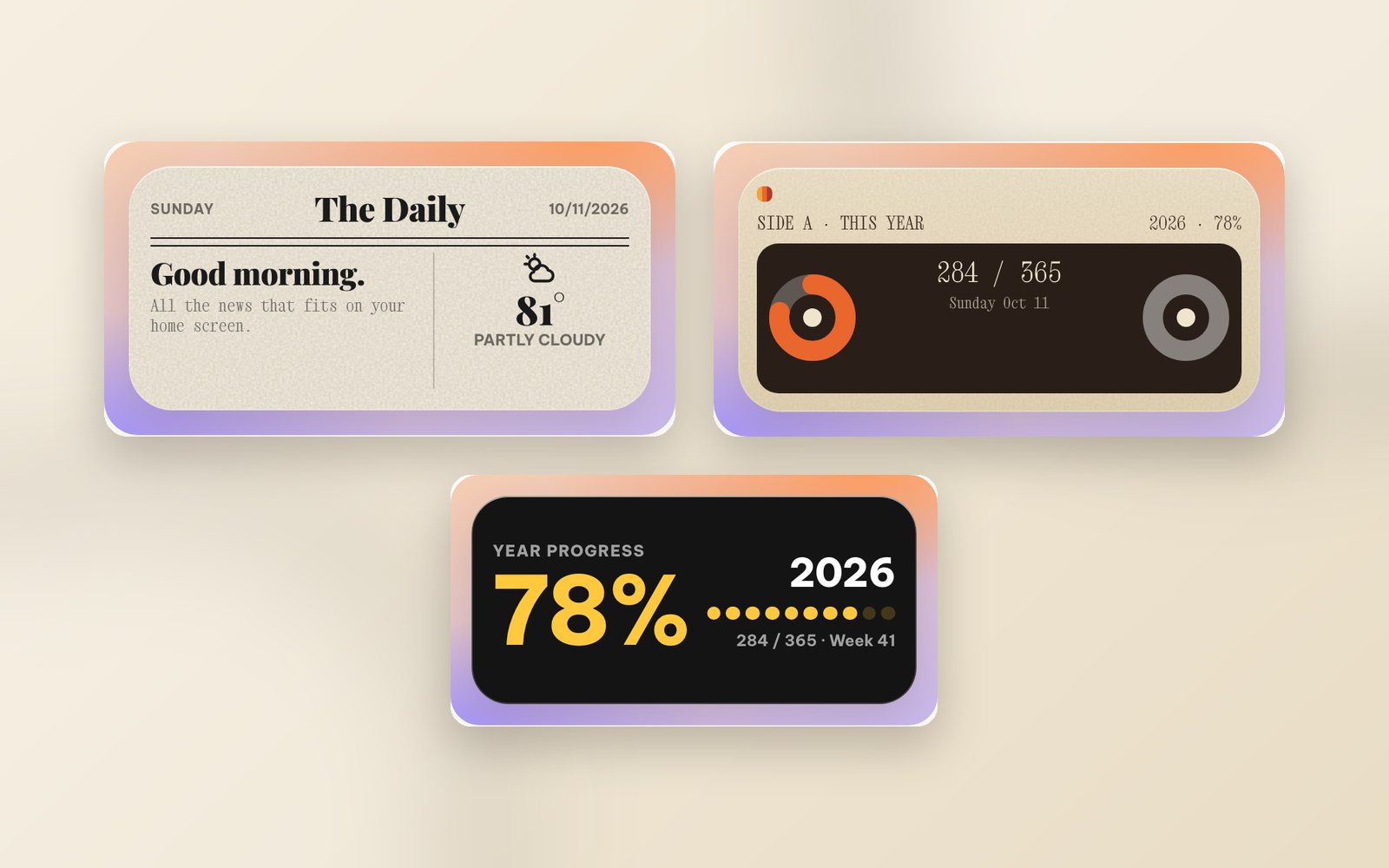
Among screens full of glass and neon, a tiny newspaper or a cassette label suddenly stands out. The paper-and-print style uses ivory backgrounds, serif headlines and typewriter type, a reminder of slow mornings with the paper and a coffee. Here are the WidgyKit widgets built in that spirit.
The Daily: a tiny front page every morning
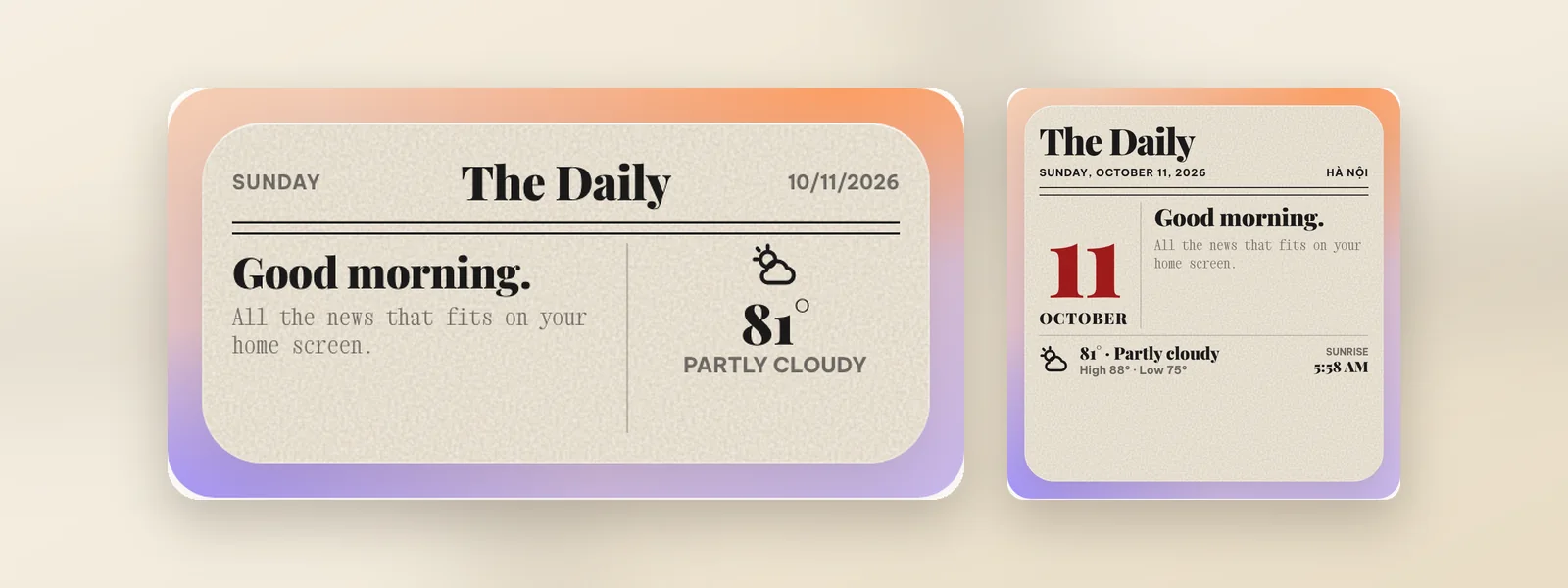
The Daily is laid out like a newspaper front page: a serif "The Daily" masthead, the date, a headline that greets you for the time of day, and a weather box.
- Medium: weekday, date, greeting and temperature.
- Large: a multi-column layout like a real paper, with a big date, today's weather and sunrise time.
- The weather follows the location you choose, and the page turns dark when your phone does.
Mixtape year and Year progress
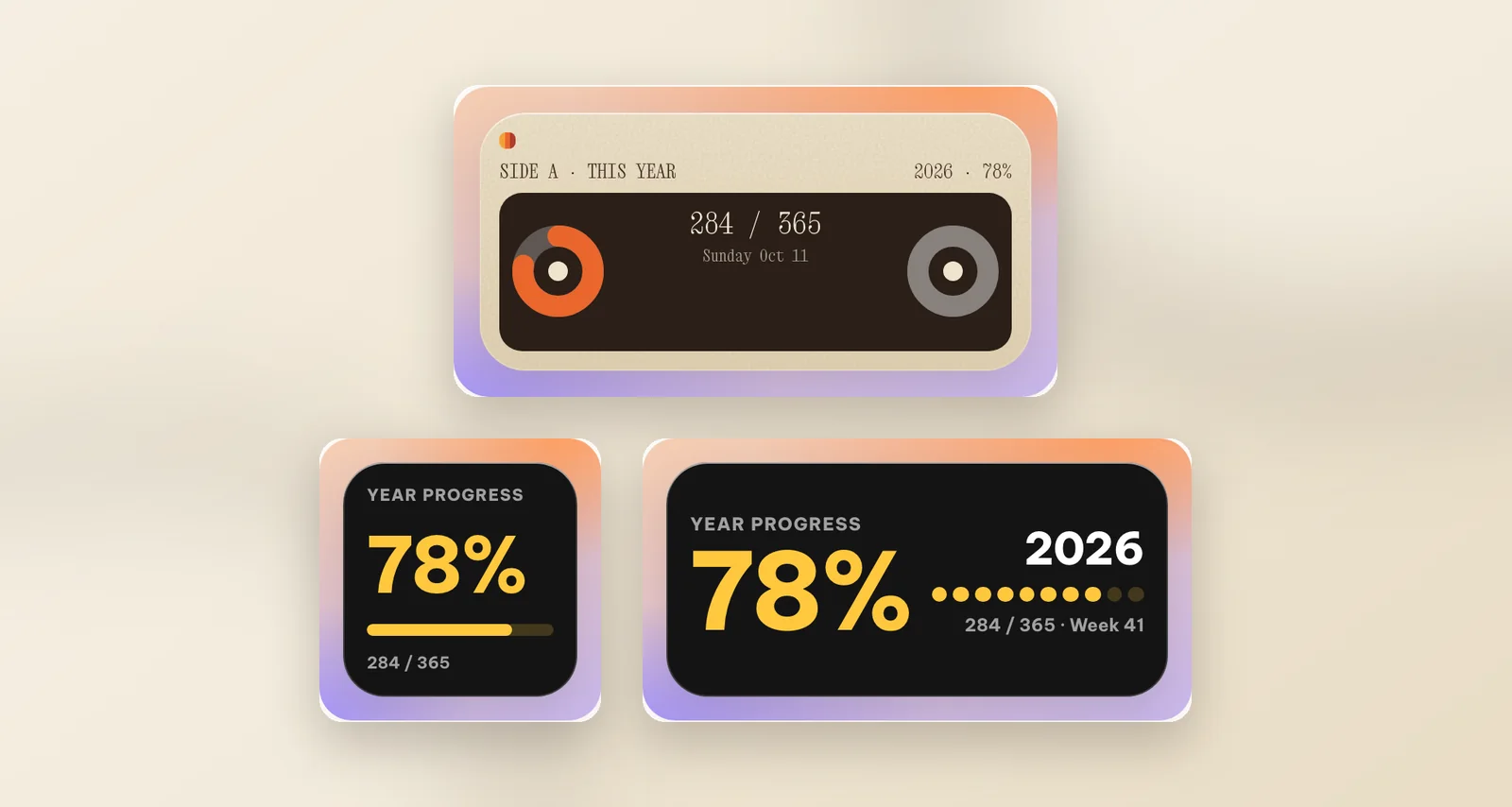
- Mixtape year turns the whole year into a cassette: a "Side A · This year" label, two reels turning through the days and today's day number out of 365 in the middle. Medium, for lovers of all things analog.
- Year progress is the minimal take: the share of the year gone in big type, ten bold steps, plus the day and week numbers. Small, medium and an iPhone Lock Screen size.
Neither needs any setup or internet: they only use your phone's date.
France · public holidays: Paris newsprint
Learning French or have family in France? France · public holidays shows the French flag and the upcoming public holidays in an elegant newspaper style, medium size.
A paper-style Home Screen
- Wallpaper: kraft paper, linen or a wooden desk photo in ivory and light brown.
- Top row: a medium The Daily.
- Middle row: a small Year progress next to a small Flip cream clock.
- Extra accent: a Nixie amber clock for the full vintage look.
How to add paper-style widgets
- Open WidgyKit › Widgets tab › choose The Daily (or another design) › Install.
- iPhone: touch and hold an empty spot › Edit › Add Widget › WidgyKit › pick a size › add. Touch and hold the widget › Edit Widget › choose the design.
- Android: touch and hold an empty spot › Widgets › drag WidgyKit onto the screen › pick the design.
Illustrated guides: add widgets on iPhone and add widgets on Android.
FAQ
Does Year progress update by itself?
Yes. It reads the date on your phone, so the percentage and day count move forward every day without any setup.
Are these widgets free?
In the current catalog, The Daily, Mixtape year, Year progress and France · public holidays are all marked Free.
Wrapping up
Paper and print make your phone screen feel a little slower and a little calmer. Download WidgyKit and start your mornings with The Daily.
Keep reading
Design3 min read
WidgyKit frosted glass weather and clock widgets
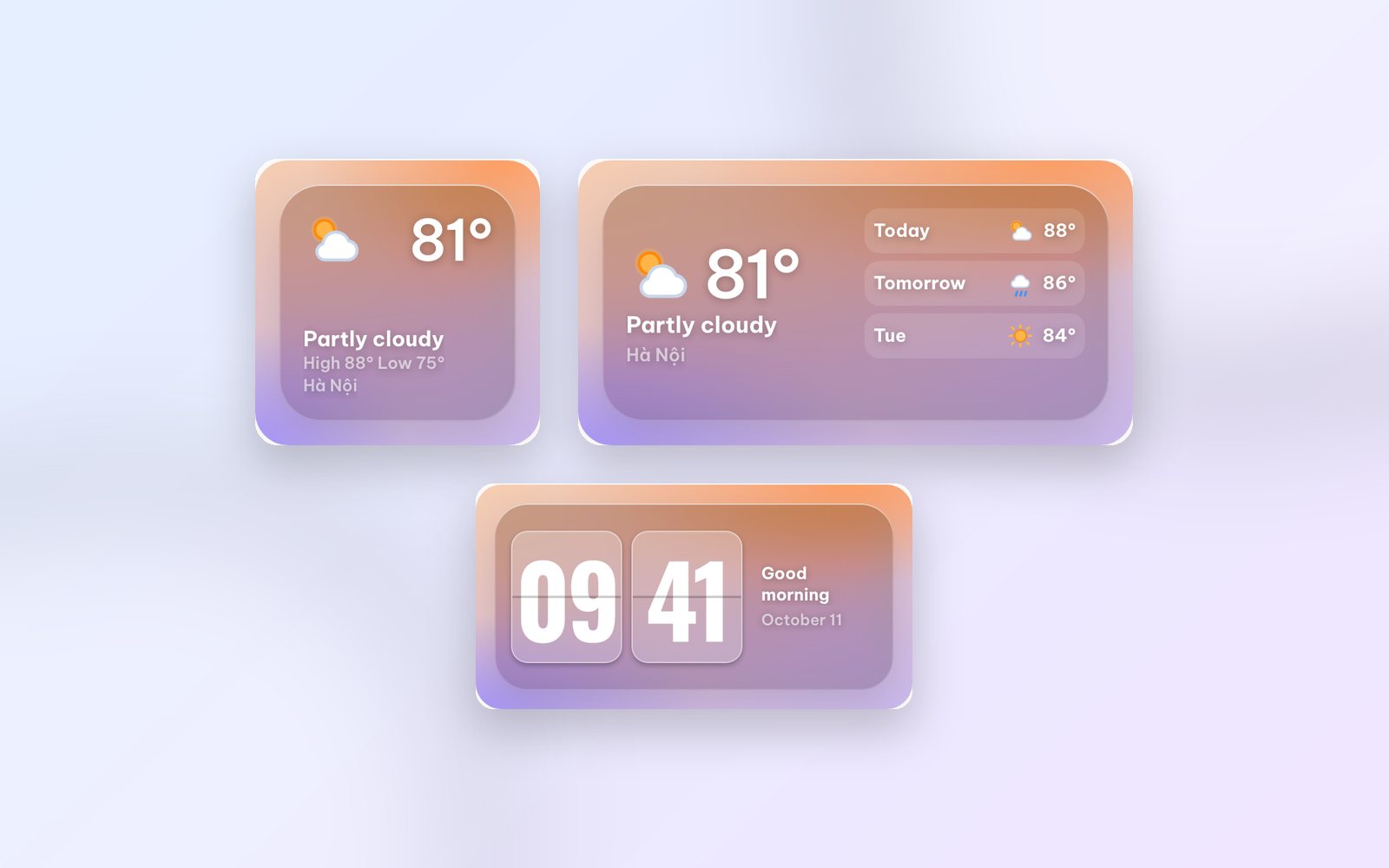
Glass weather, Flip glass, Aurora weather and Singapore · glass duo: WidgyKit's frosted glass widgets, made to show off a photo wallpaper and stay readable.
Design3 min read
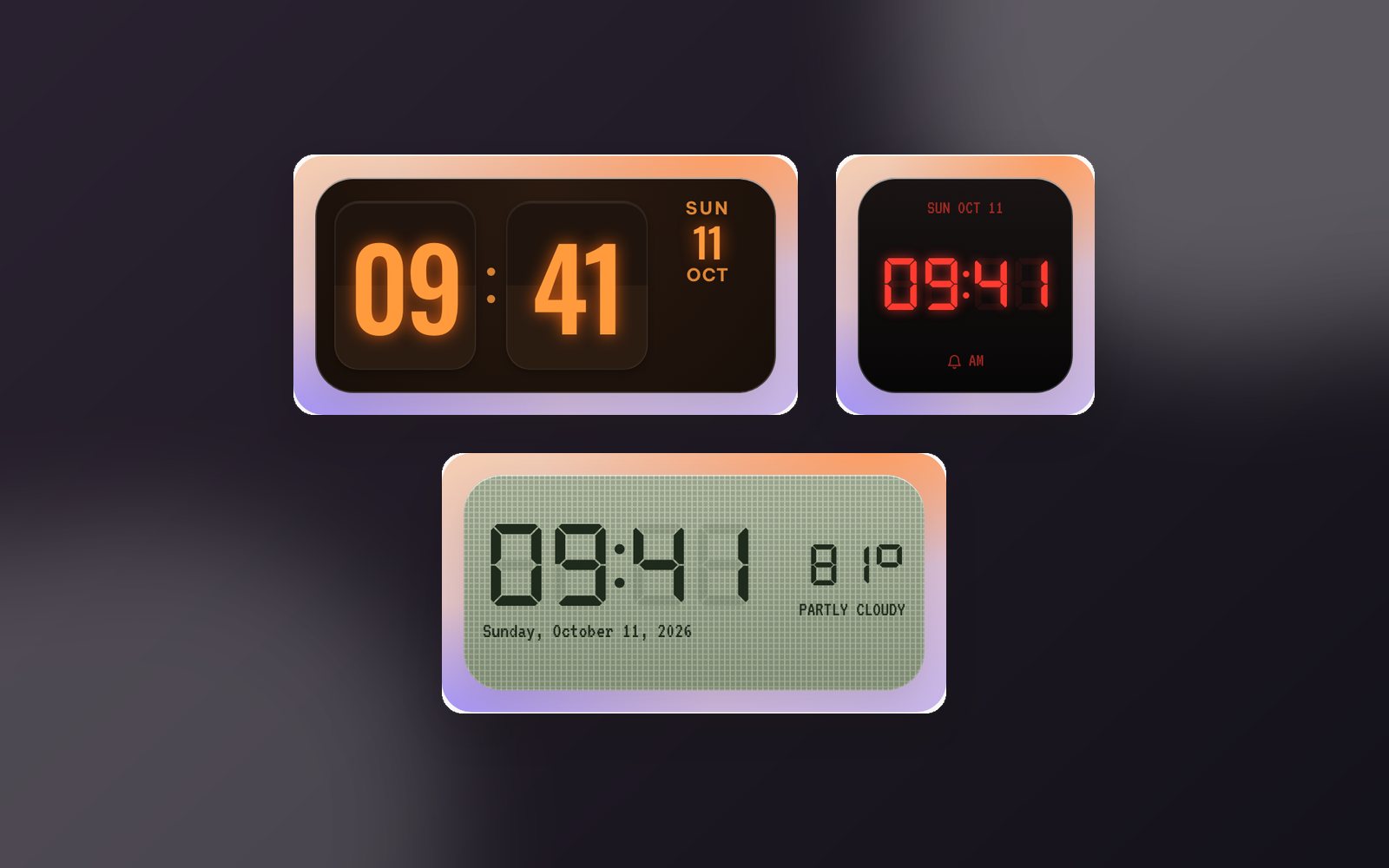
WidgyKit Nixie, LED and LCD retro clock widgets
Nixie amber, LCD olive, LED alarm, Dot matrix and Neon night: five retro digital clock widgets in WidgyKit, each one a nod to a different era of technology.
Design3 min read
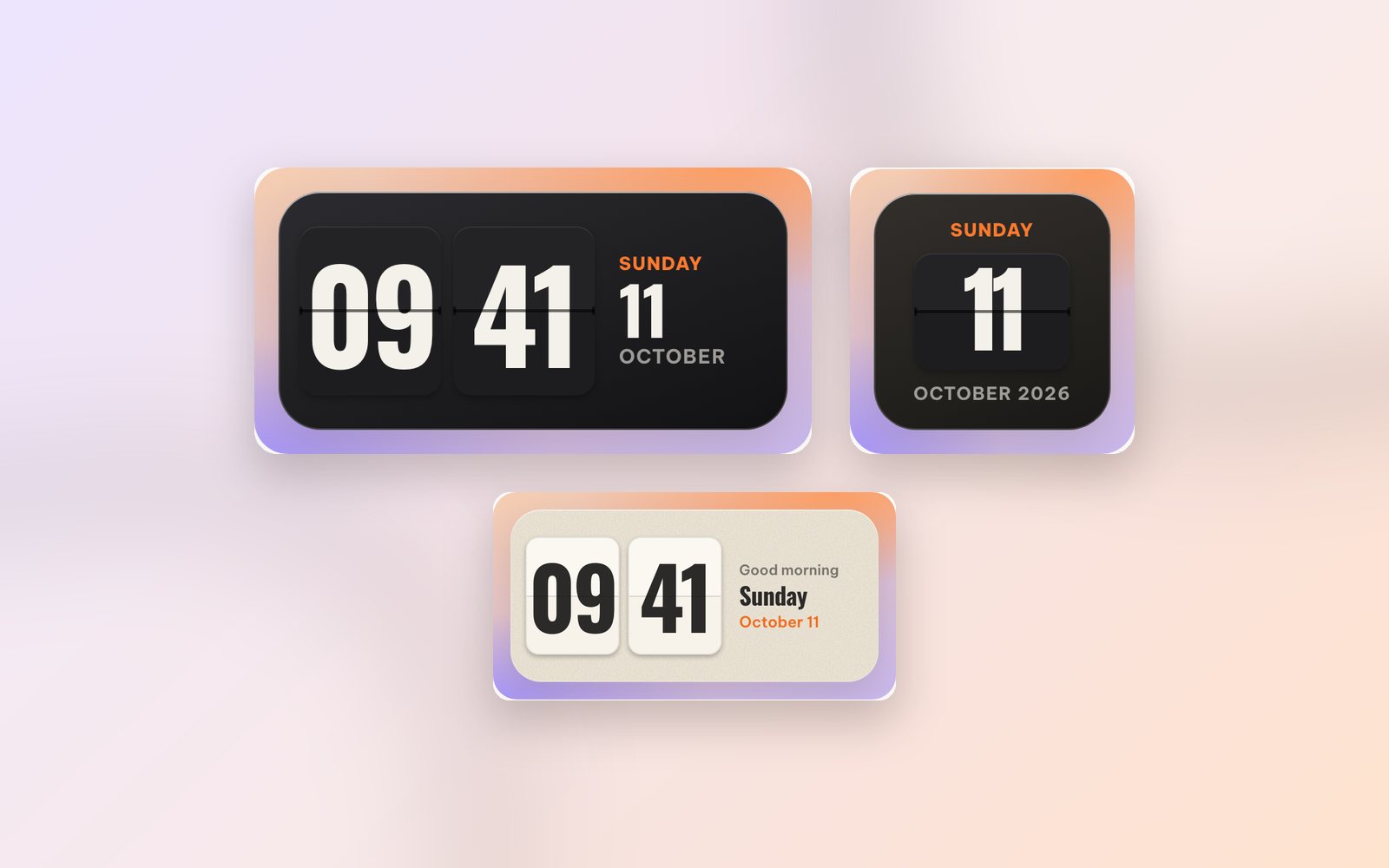
WidgyKit retro flip clock widgets
Flip classic, Flip cream, Flip glass, Flip date and Flip & weather: the WidgyKit split-flap clock family, with sizes, pairing ideas and setup steps.