DesignPublished 3 min read
WidgyKit frosted glass weather and clock widgets
Glass weather, Flip glass, Aurora weather and Singapore · glass duo: WidgyKit's frosted glass widgets, made to show off a photo wallpaper and stay readable.
Also available in:Tiếng Việt
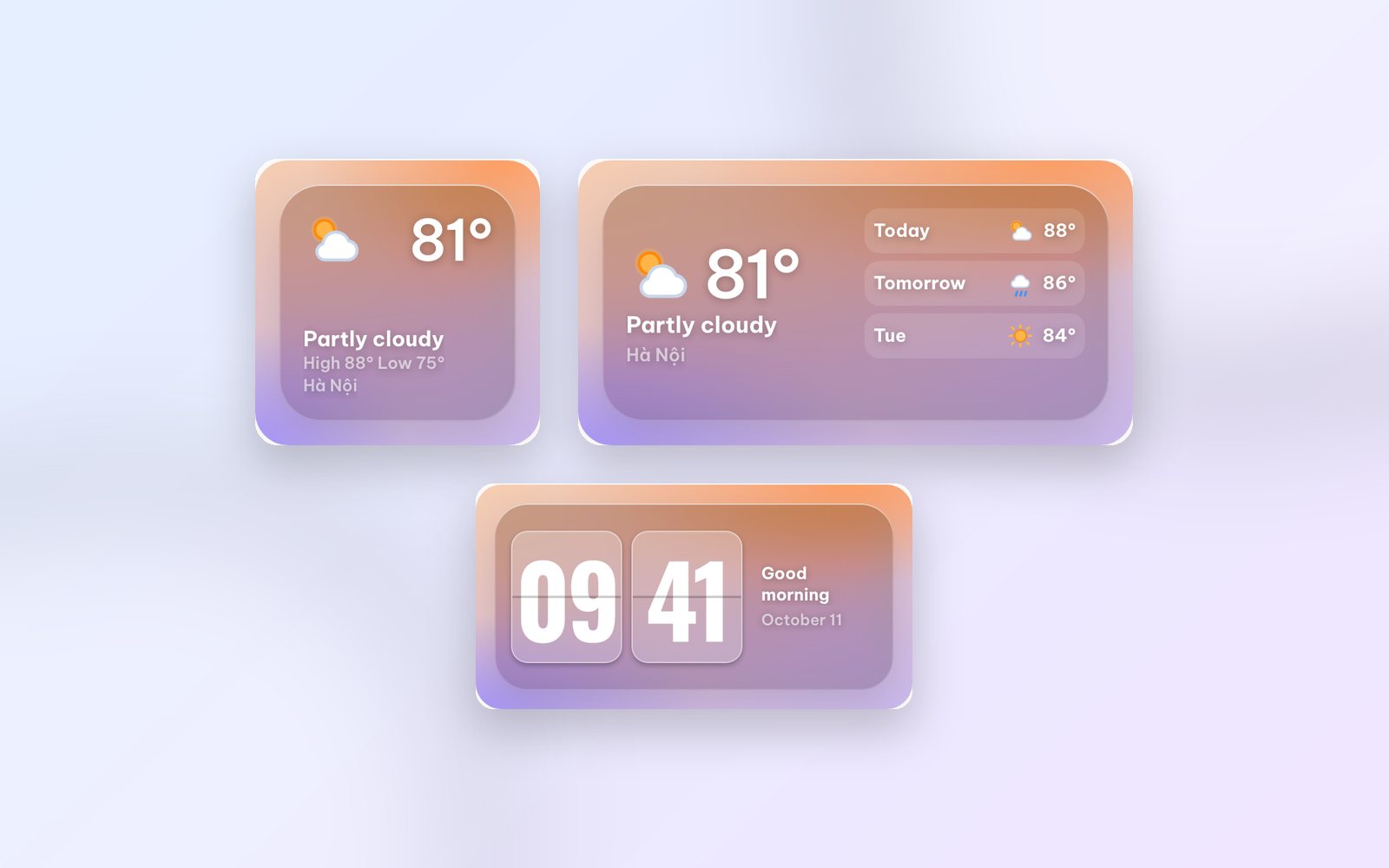
Got a beautiful wallpaper, but every widget you add hides it? Frosted glass (glassmorphism) solves exactly that: the widget looks like a pane of misted glass, letting the colours behind it glow through while the numbers stay clear. Here are WidgyKit's frosted glass widgets and how to use them well.
What frosted glass is, and why it suits photo wallpapers
A frosted glass widget has three layers: your wallpaper, a translucent blur that softens the detail, and the content on top. Because of that middle layer, the colours of your photo still seep through the widget, so the screen feels continuous instead of being cut into solid blocks.
On iOS 26, Apple brought Liquid Glass to the whole system and added a Clear look for widgets. If you are on iOS 26, Liquid Glass widgets on iOS 26 explains how those modes affect legibility.
Glass weather: the sky right now, on glass
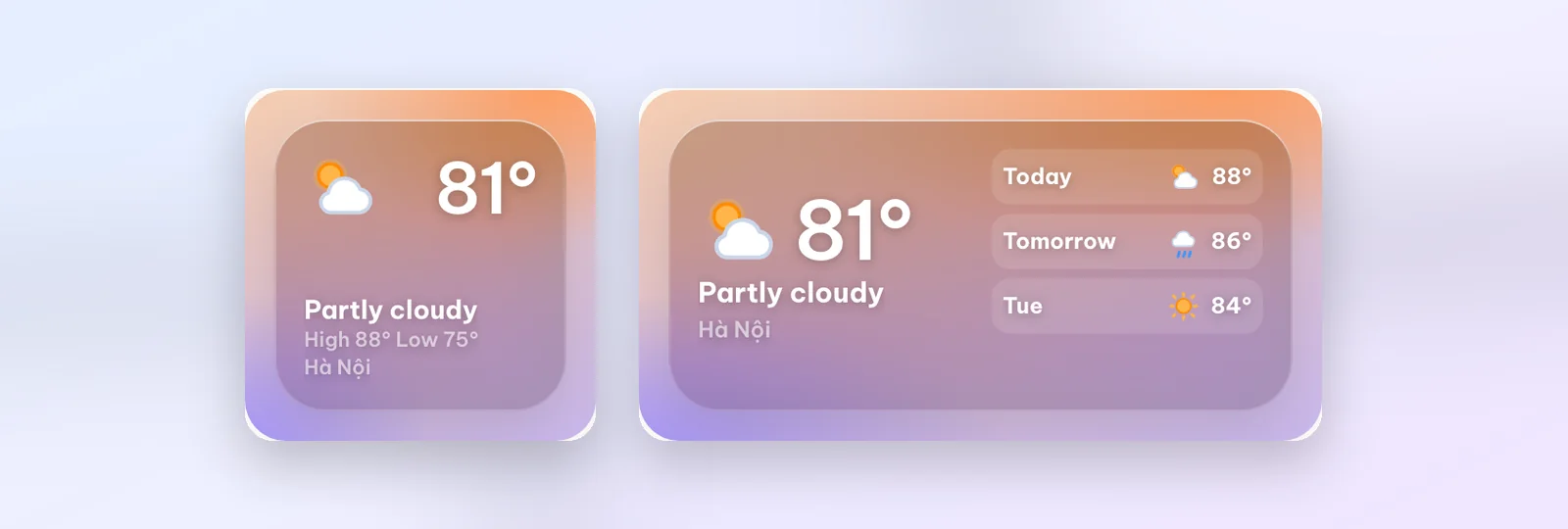
Glass weather shows the current temperature, conditions and the day's high and low.
- Small: big temperature, a sun-and-cloud icon and your location.
- Medium: adds the next few days.
The weather follows your location; when you install it, the app asks for location access to show the weather where you are.
Flip glass: a clock for photo wallpapers
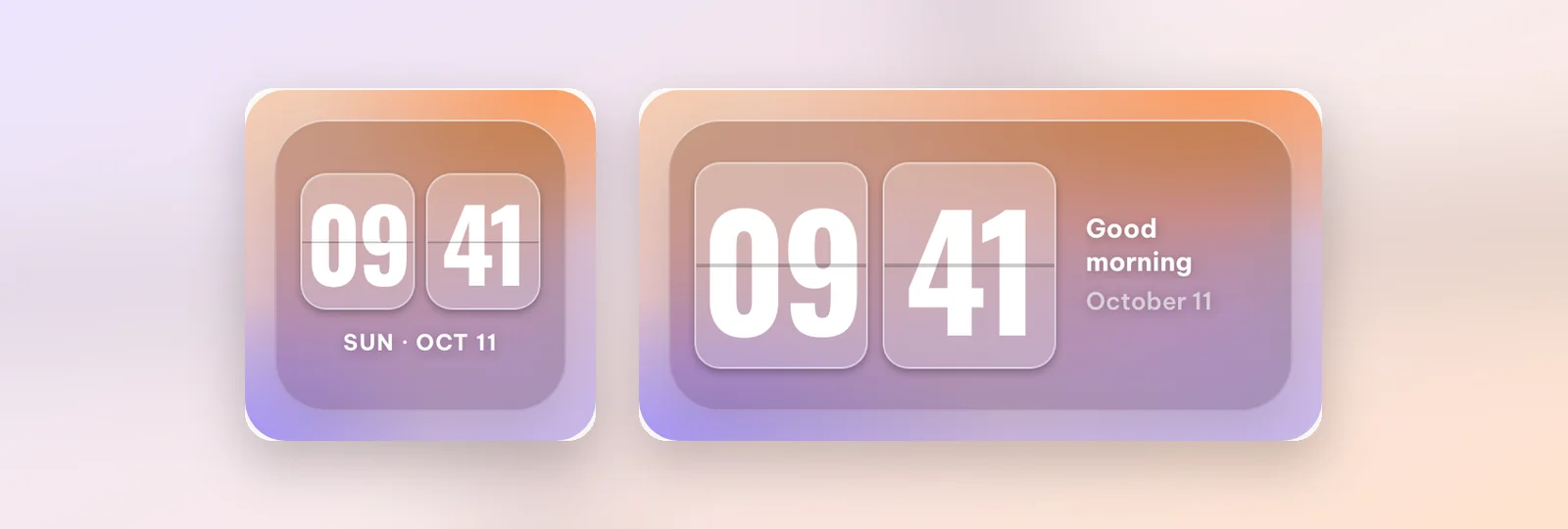
Flip glass is the translucent member of the retro flip clock family: two misted cards, plus a greeting and the date in the medium size. Put it next to Glass weather for an instantly matching row.
Aurora weather: when you want a touch of colour
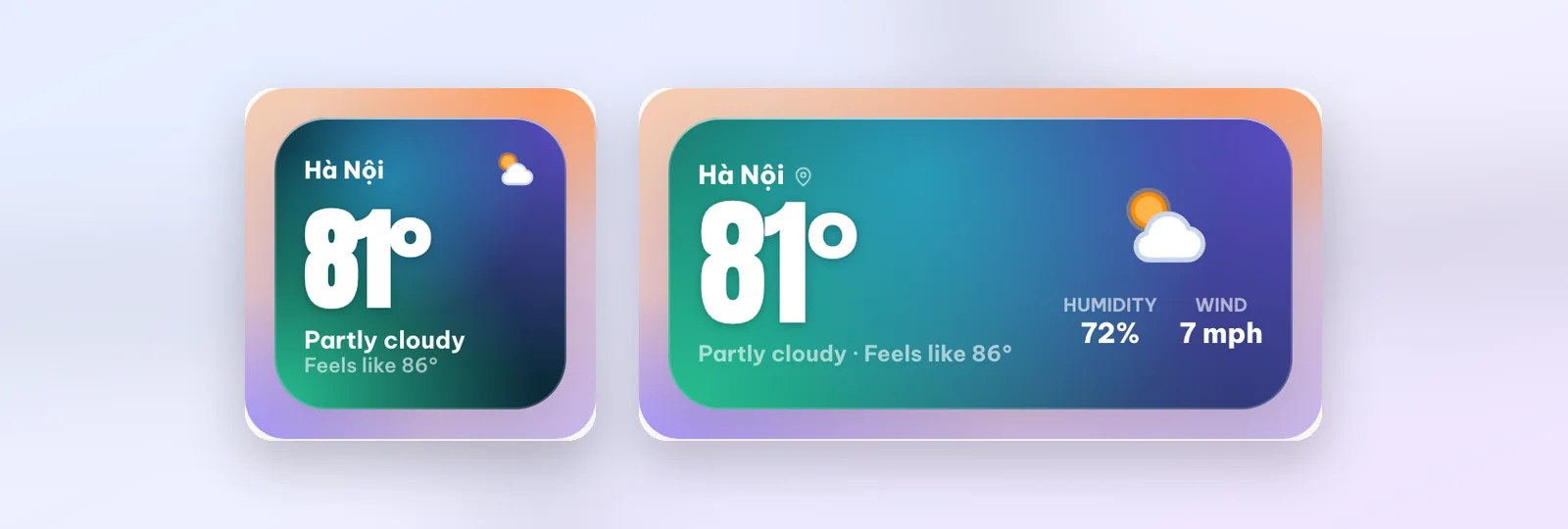
Not glass exactly, but Aurora weather pairs beautifully: a huge temperature over teal-to-violet northern-light colours. The medium size adds humidity, wind and "feels like". Use it as the colour accent when everything else is translucent.
Singapore · glass duo
Family or colleagues in Singapore? Singapore · glass duo shows Singapore time next to your home time on frosted glass, with the flag and the weather. You can change the city in Customize. Small and medium. For more ways to follow time zones, see the World trio widget.
Tips to keep glass widgets readable
- Pick a wallpaper with calm areas where the widget sits: sky, water, a wall. Busy detail makes the blur look blotchy.
- Avoid very bright patches behind white text; move the widget to a darker part of the photo.
- Use one material per row: two glass widgets side by side look tidier than glass next to a solid colour.
How to add a glass widget
- Open WidgyKit › Widgets tab › choose Glass weather › allow location if asked › Install.
- iPhone: touch and hold an empty spot › Edit › Add Widget › WidgyKit › pick a size › add, then touch and hold the widget › Edit Widget › choose the design.
- Android: touch and hold an empty spot › Widgets › drag WidgyKit onto the screen › pick the design.
FAQ
What does a weather widget show without internet?
It keeps the last weather reading it downloaded and refreshes when you are back online.
Are the glass widgets free?
In the current catalog, every design in this article is marked Free.
Wrapping up
Frosted glass is the simplest way to have useful widgets and still show off your favourite wallpaper. Download WidgyKit, pick a great photo and try pairing Glass weather with Flip glass.
Keep reading
Design2 min read
WidgyKit newspaper and paper-style retro widgets
The Daily, Mixtape year, Year progress and France · public holidays: WidgyKit widgets that bring newsprint, serif headlines and cassettes to your phone.
Design3 min read
WidgyKit Nixie, LED and LCD retro clock widgets
Nixie amber, LCD olive, LED alarm, Dot matrix and Neon night: five retro digital clock widgets in WidgyKit, each one a nod to a different era of technology.
Design3 min read
WidgyKit retro flip clock widgets
Flip classic, Flip cream, Flip glass, Flip date and Flip & weather: the WidgyKit split-flap clock family, with sizes, pairing ideas and setup steps.