DesignPublished 3 min read
WidgyKit World trio: a three-city world clock widget
WidgyKit's World trio puts three cities side by side in tidy tiles, your main city in orange. How to pick cities, pair it, and other country clocks.
Also available in:Tiếng Việt
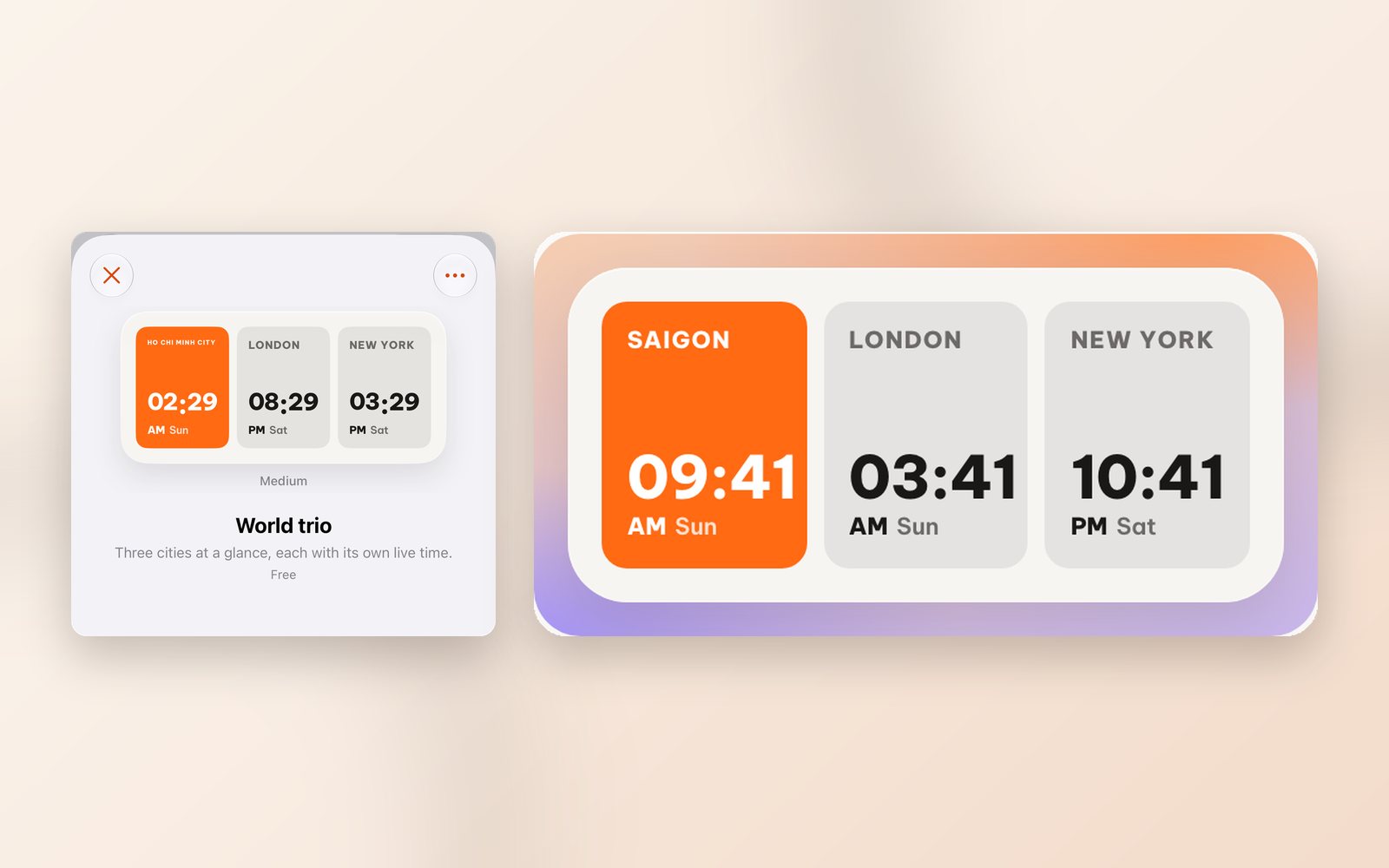
A kid studying in London, a client in New York, and you somewhere else: get one time zone wrong and you are calling someone at midnight. WidgyKit's World trio widget solves this as simply as possible: three rounded tiles side by side, one city each with its own live time, and the most important city highlighted.
What World trio looks like
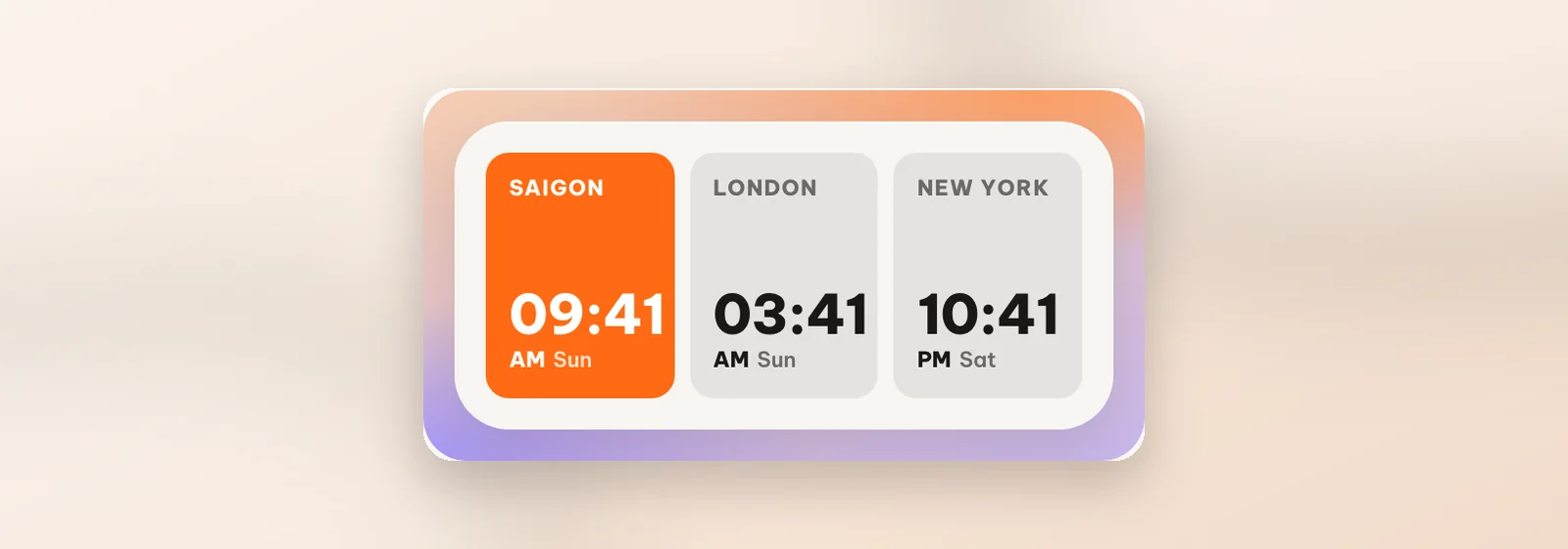
- The first tile is orange, for the city you care about most.
- The other two sit on a light background (London and New York by default).
- Each tile shows the city name in capitals, a big time with AM/PM where your phone uses it, and the weekday, so you can see at a glance whether it is already tomorrow over there.
The style is airport-board minimal: three equal blocks, bold numbers, one accent colour. World trio comes in medium, and it switches to a dark look when your phone does.
Choosing your three cities
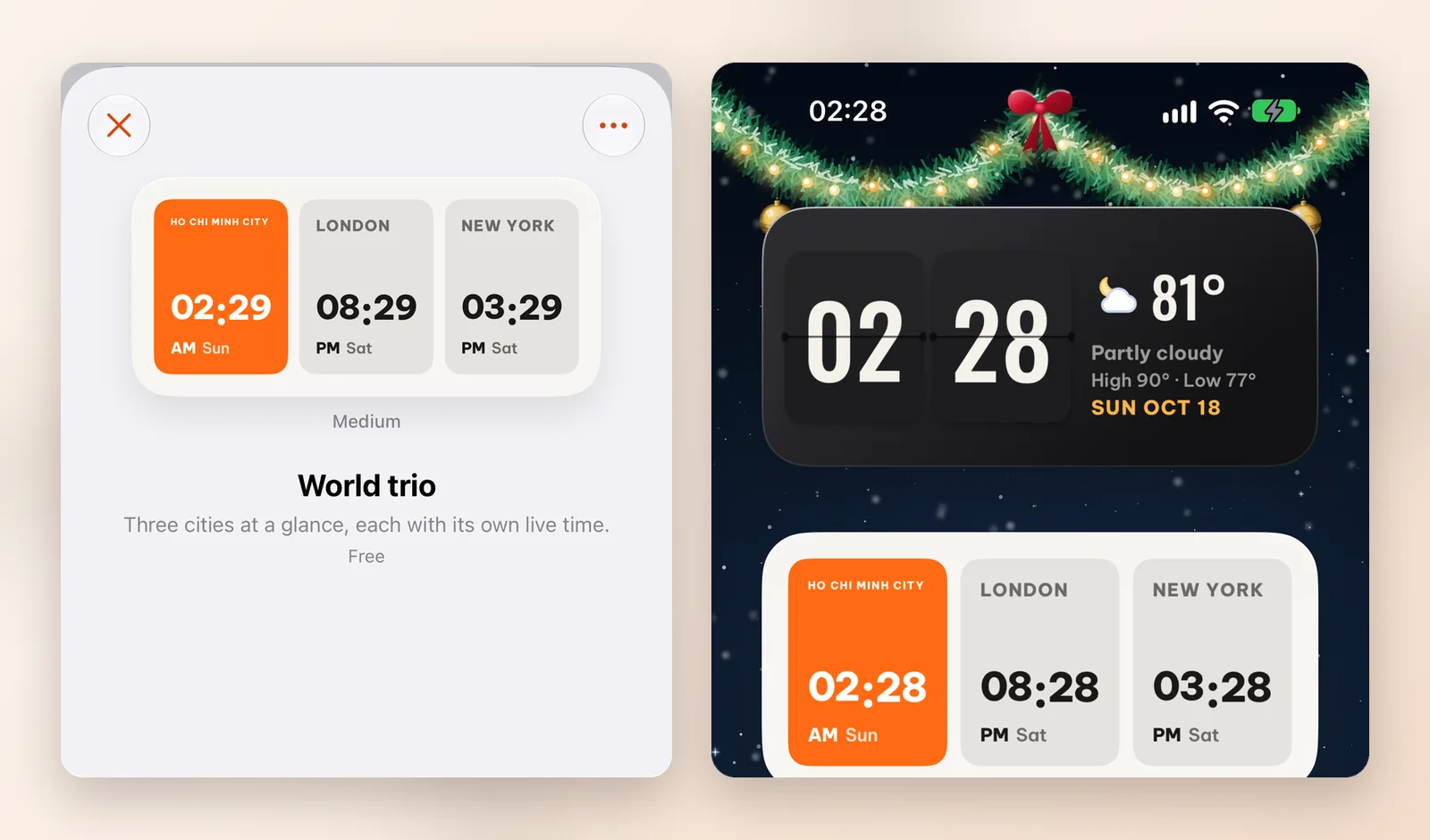
In the widget's Customize screen you'll find City 1, City 2 and City 3. City 1 is the highlighted tile. Each tile follows its city's time zone, daylight saving included, so there's no mental maths.
Some trios to try:
| You are | City 1 | City 2 | City 3 |
|---|---|---|---|
| A parent with a kid abroad | London (where they study) | Your city | A grandparent's city |
| Working with global clients | Your city | Singapore | New York |
| Often travelling in Asia | Tokyo | Seoul | Singapore |
Other country clocks
If you only need one place but want some local flavour, WidgyKit has country widgets with flags and public holidays:
- USA · flip & holidays: a flip clock, the next federal holiday and the weather; the city can be changed.
- Singapore · glass duo: Singapore time next to your home time on frosted glass.
- UK · bank holidays, Korea · holidays and Thailand · holidays: London, Seoul and Bangkok time with the next holidays.
Working across time zones every day? World clock widgets for remote teams has more tips for scheduling meetings.
How to add World trio
- Open WidgyKit › Widgets tab › choose World trio.
- Tap Customize, pick three cities › Save (or tap Install to use the defaults).
- iPhone: touch and hold an empty spot › Edit › Add Widget › WidgyKit › choose medium › add. Touch and hold the widget › Edit Widget › choose the World trio copy you saved.
- Android: touch and hold an empty spot › Widgets › drag WidgyKit onto the screen › pick the design.
FAQ
Does it need internet to show other cities' time?
No. The time is calculated from your phone's clock and each city's time zone, so it stays correct offline.
Is World trio free?
In the current catalog, World trio is marked Free, as shown on its detail page in the app.
Wrapping up
Three tiles, three cities, and one glance tells you what time it is for the people who matter. Download WidgyKit to put World trio on your Home Screen.
Keep reading
Design3 min read
WidgyKit frosted glass weather and clock widgets
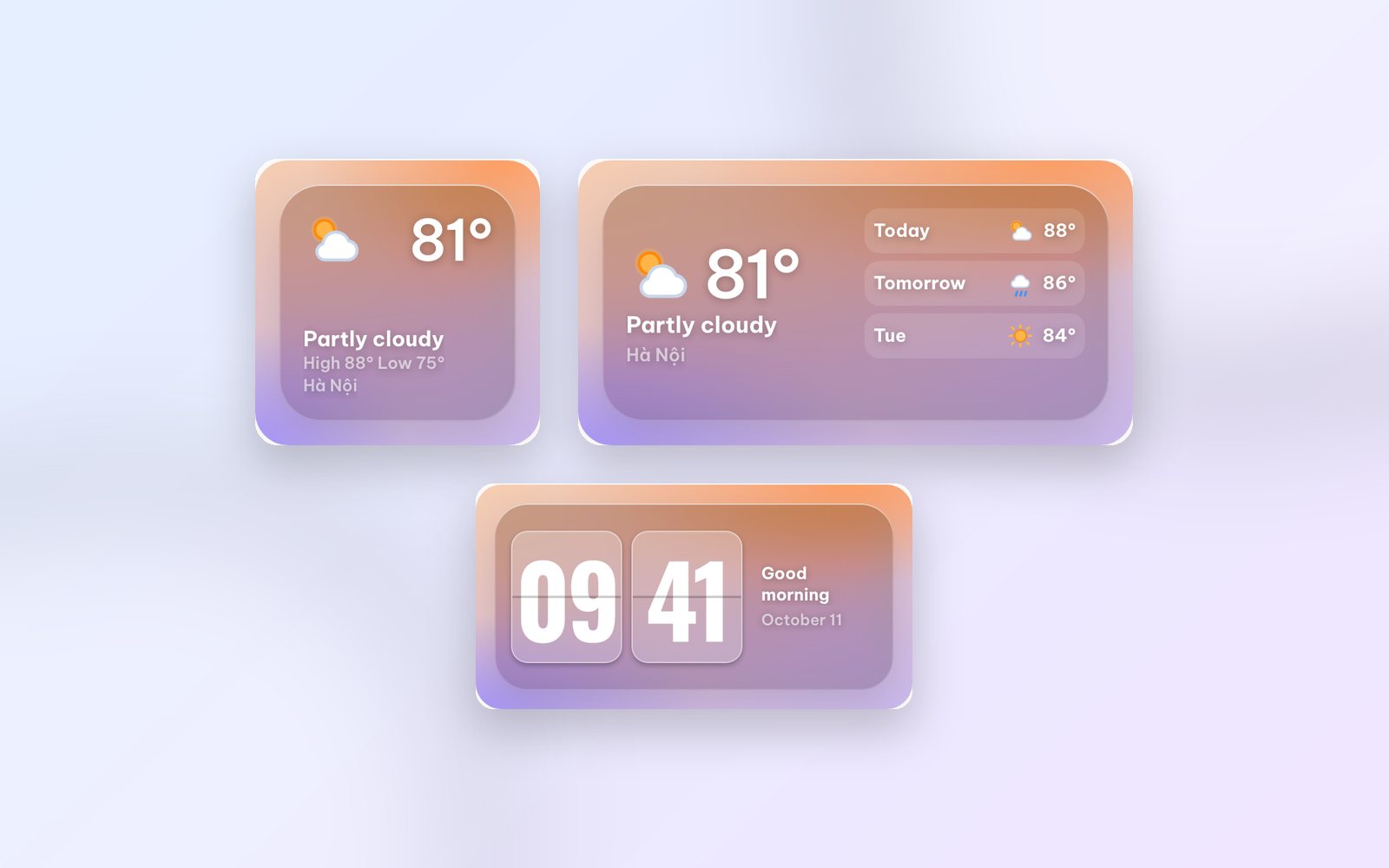
Glass weather, Flip glass, Aurora weather and Singapore · glass duo: WidgyKit's frosted glass widgets, made to show off a photo wallpaper and stay readable.
Design2 min read
WidgyKit newspaper and paper-style retro widgets
The Daily, Mixtape year, Year progress and France · public holidays: WidgyKit widgets that bring newsprint, serif headlines and cassettes to your phone.
Design3 min read
WidgyKit Nixie, LED and LCD retro clock widgets
Nixie amber, LCD olive, LED alarm, Dot matrix and Neon night: five retro digital clock widgets in WidgyKit, each one a nod to a different era of technology.