DesignPublished 3 min read
WidgyKit Swiss-style minimal calendar widgets
Swiss date, Month grid and Yesterday · Today · Tomorrow: three minimal calendar widgets in WidgyKit with big bold type, clean grids, every size and a Lock Screen option.
Also available in:Tiếng Việt
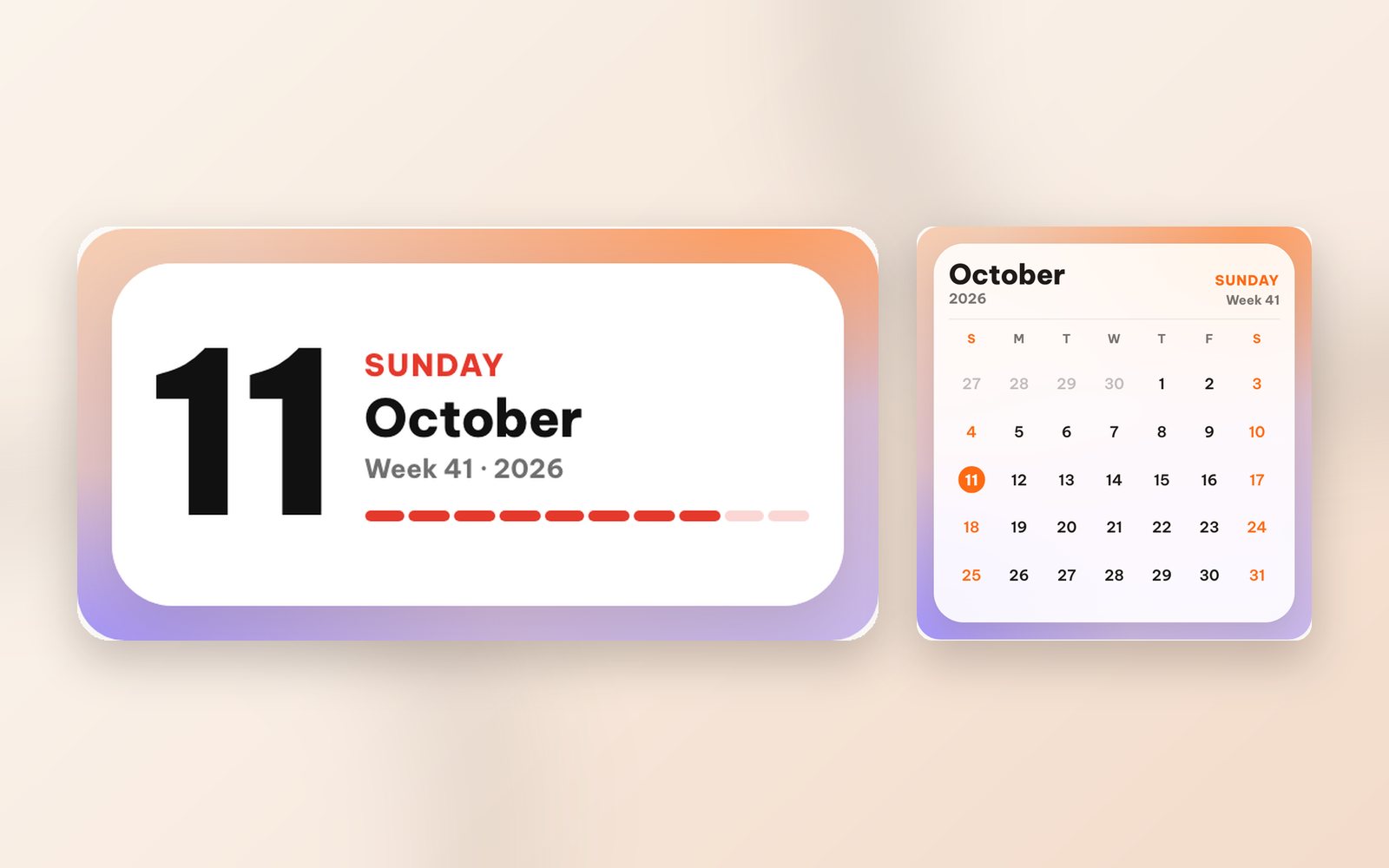
Some Home Screens need nothing more than one huge number and a few tidy words. Swiss design, with its strict grids, bold sans-serif type and confident red and white, is the inspiration behind WidgyKit's minimal calendar widgets. Here are the three designs, who they suit, the sizes they come in and how to add them in under a minute.
What makes a design "Swiss"?
The International Typographic Style grew out of 1950s Swiss posters. Three traits make it easy to spot:
- Type is the hero: numbers and words are set large and bold, with no decoration.
- A strict grid: everything lines up, white space is generous, nothing is extra.
- A limited palette: usually white, black and one red accent.
On a phone this has a very practical upside: you can read it in a glance, even next to a busy wallpaper.
Swiss date: today as a poster
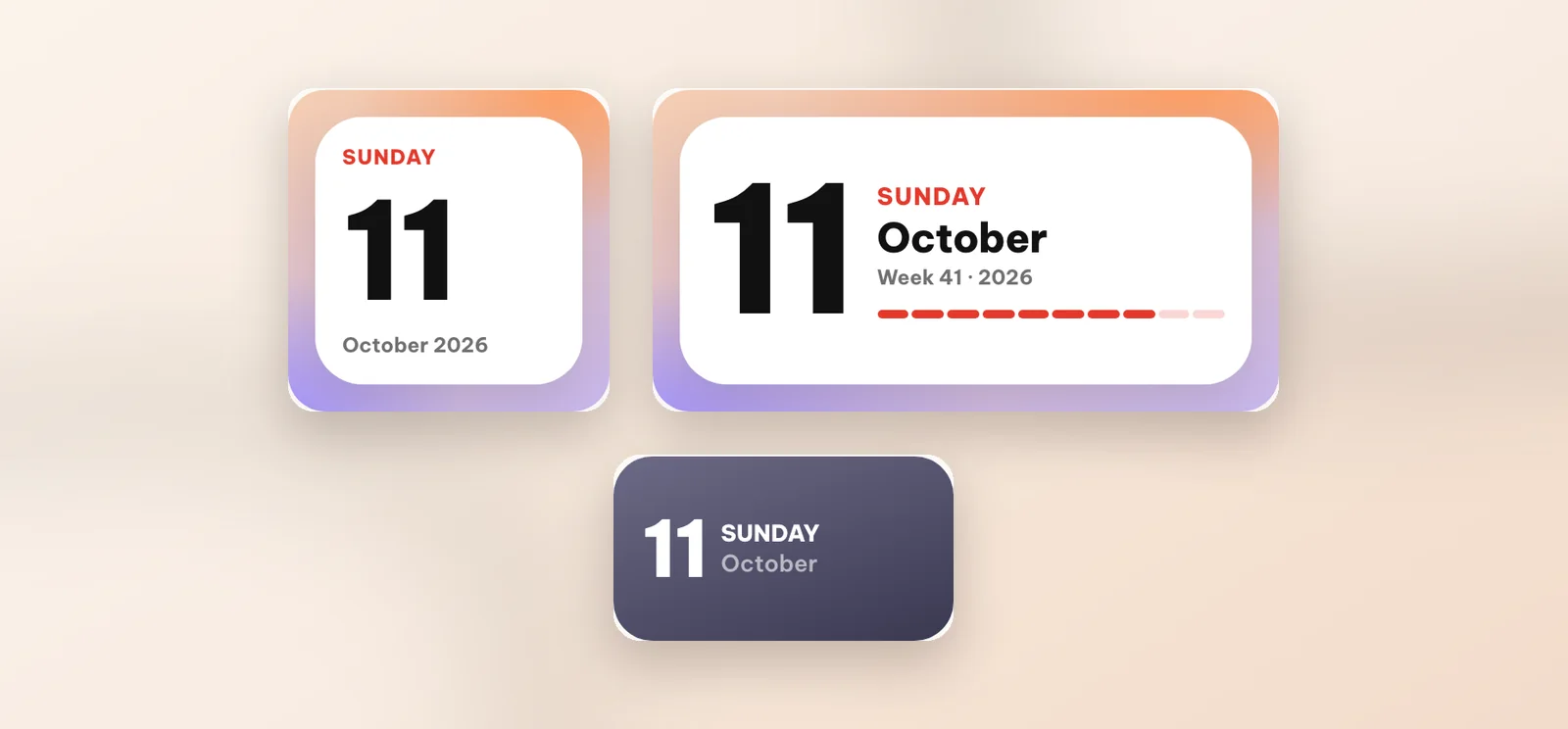
Swiss date turns today's date into a giant number, with the weekday in red and the month beside it.
- Small: weekday, date, month and year.
- Medium: adds the week of the year and a red segmented bar showing how far through the year you are.
- Lock Screen (iPhone): a compact rectangular version under the clock.
There is nothing to configure: install it and you are done. When your phone switches to dark mode, the widget switches to a dark background too.
Month grid: today, big, with the whole month beside it
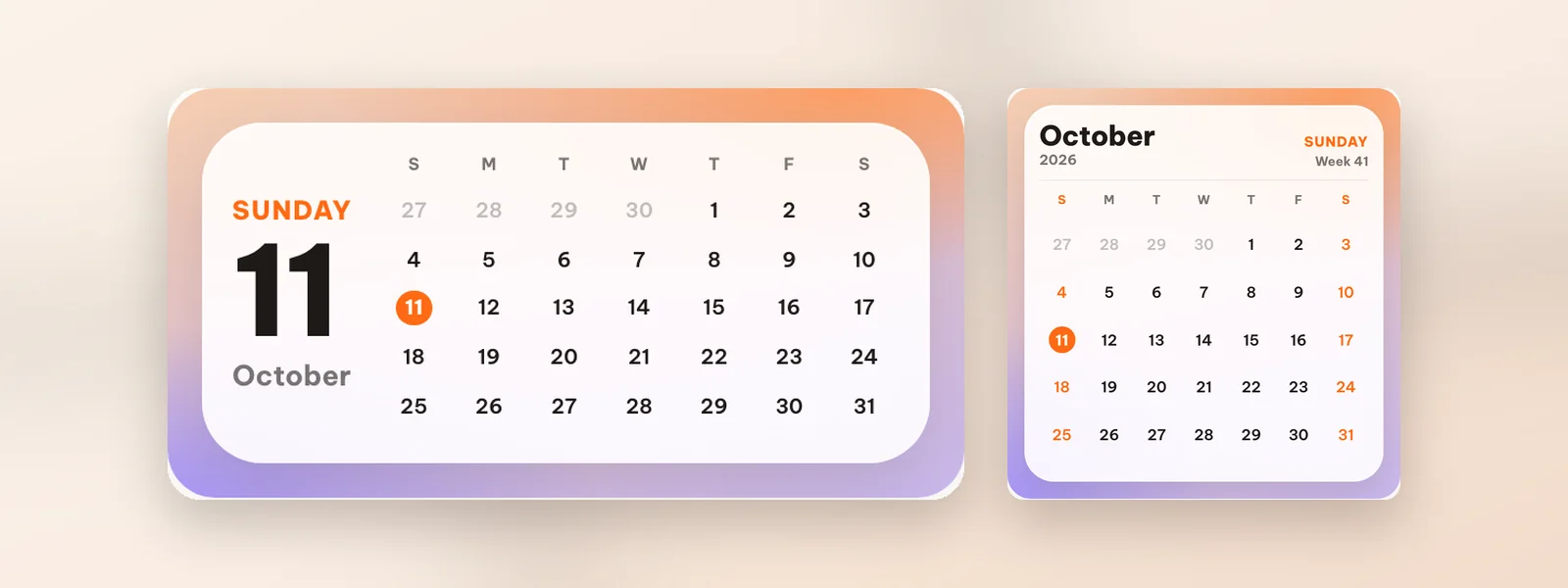
If you need the whole month, Month grid keeps the same restraint: aligned days, softly tinted weekends and today circled in orange.
- Medium: today in large type on the left, the month on the right.
- Large: a full month page with week numbers.
Yesterday · Today · Tomorrow: the bold one for dark screens
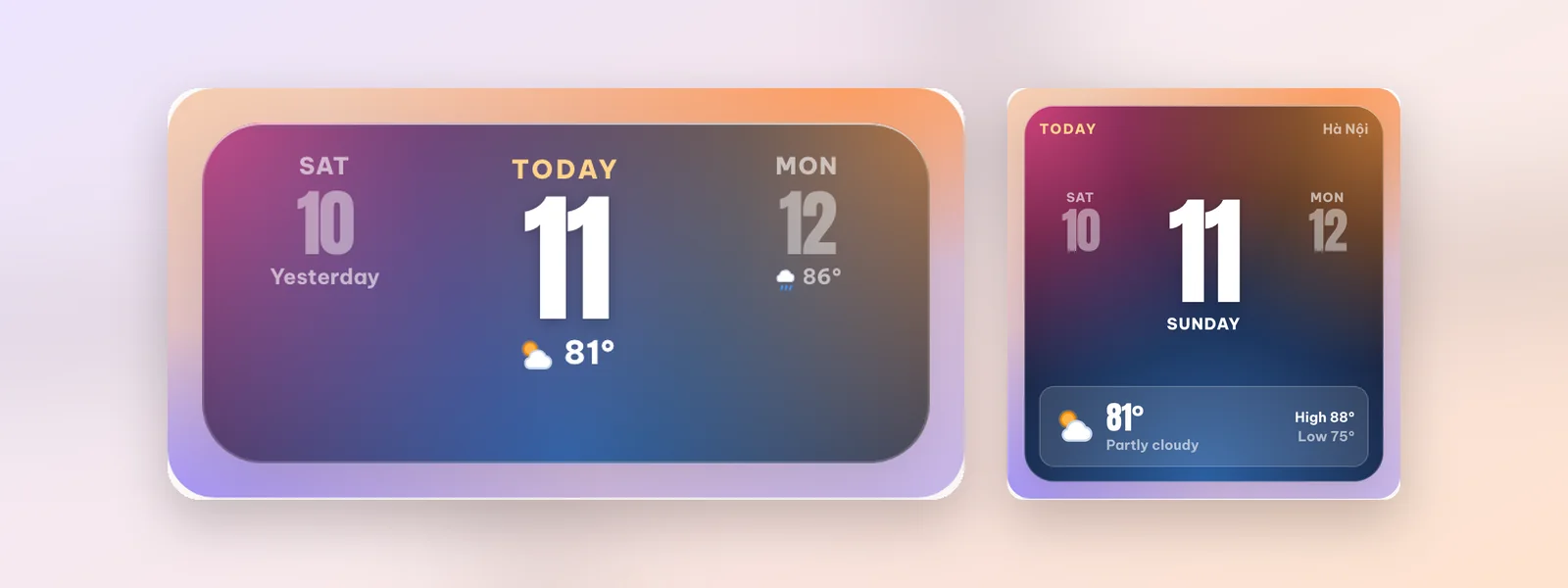
Want minimal without all the white? Yesterday · Today · Tomorrow puts today front and centre, with the days either side dimmed and the temperature underneath. The purple-blue gradient suits dark wallpapers. It comes in medium and large; the weather follows your location once you allow location access.
Who these widgets suit
- People who like a clean Home Screen with little colour.
- Anyone with a photo wallpaper: solid white widgets keep text readable.
- People who plan by the week: the week number on Swiss date and Month grid is handy at work.
Pairing tip: put a small Swiss date next to a matching clock such as Flip cream, with a medium Month grid below. More layout ideas in aesthetic Home Screen ideas.
How to add a minimal calendar widget
- Install WidgyKit, open the Widgets tab, choose Swiss date (or Month grid) and tap Install.
- iPhone: touch and hold an empty spot on the Home Screen, tap Edit › Add Widget, find WidgyKit, pick a size and add it. Then touch and hold the widget › Edit Widget and choose the design you installed.
- Android: touch and hold an empty spot, tap Widgets, find WidgyKit, drag a size onto the screen and pick the design on the setup screen.
Step-by-step guides: add widgets on iPhone and add widgets on Android.
FAQ
Are these widgets free?
In the current catalog, Swiss date, Month grid and Yesterday · Today · Tomorrow are all marked Free.
Do they work offline?
Yes. The date and calendar are drawn from your phone's clock. Only the weather on Yesterday · Today · Tomorrow needs a connection to refresh, and it keeps the last reading when you are offline.
Wrapping up
Minimal doesn't mean boring: one huge number, a confident red and white space in the right places make a Home Screen look designed. Download WidgyKit to try the Swiss-style calendars, or browse the full widget collection.
Keep reading
Design3 min read
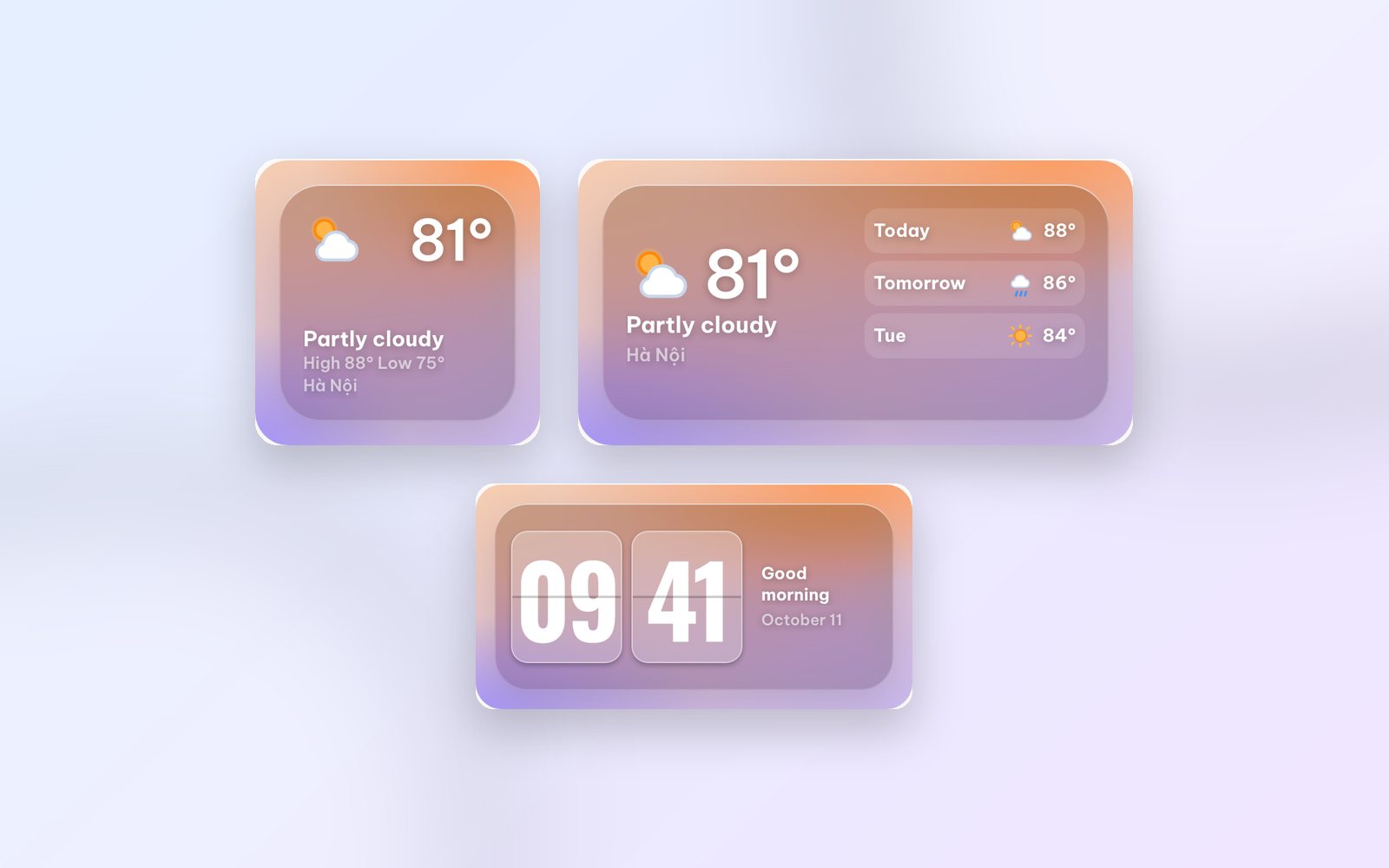
WidgyKit frosted glass weather and clock widgets
Glass weather, Flip glass, Aurora weather and Singapore · glass duo: WidgyKit's frosted glass widgets, made to show off a photo wallpaper and stay readable.
Design2 min read
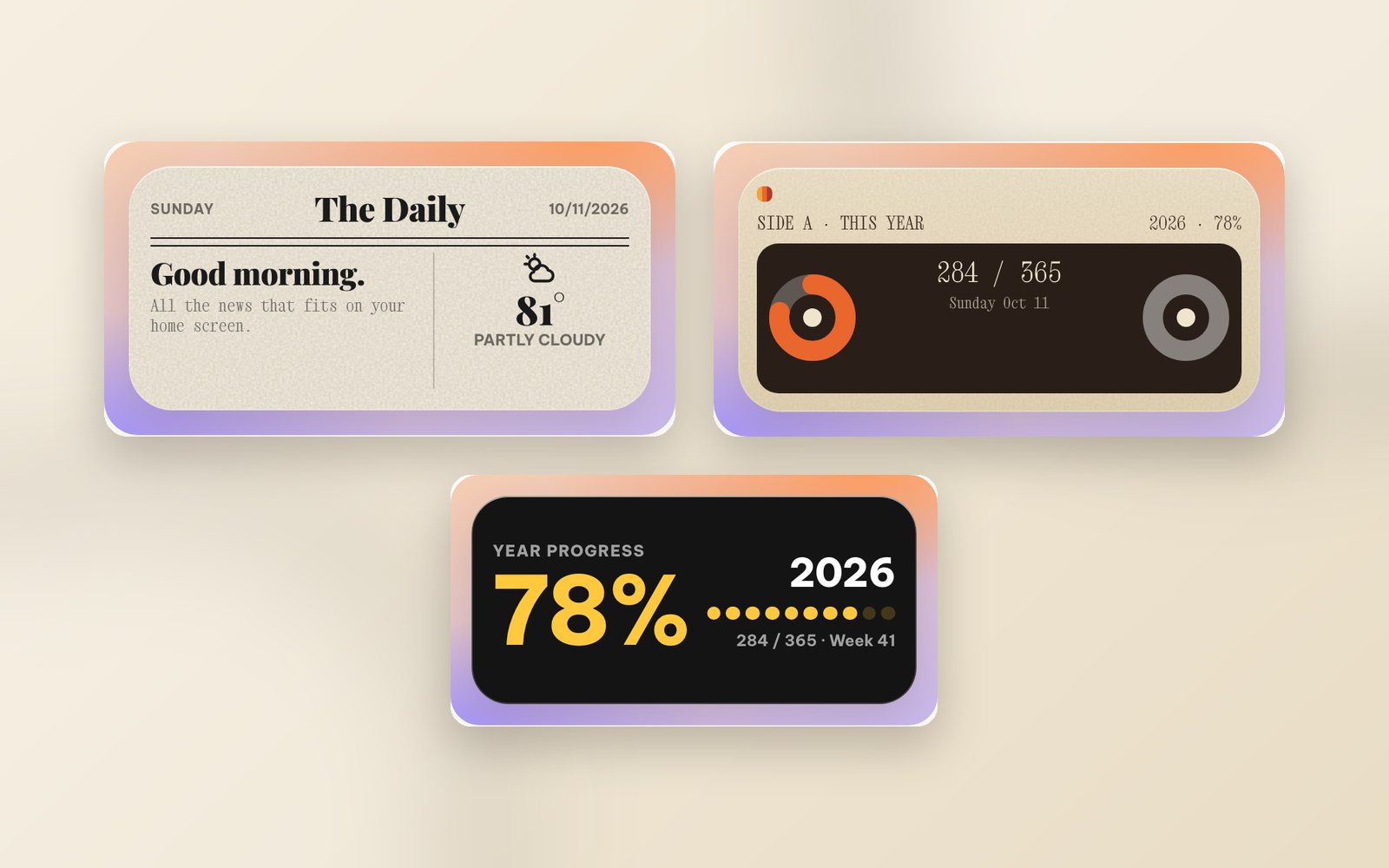
WidgyKit newspaper and paper-style retro widgets
The Daily, Mixtape year, Year progress and France · public holidays: WidgyKit widgets that bring newsprint, serif headlines and cassettes to your phone.
Design3 min read
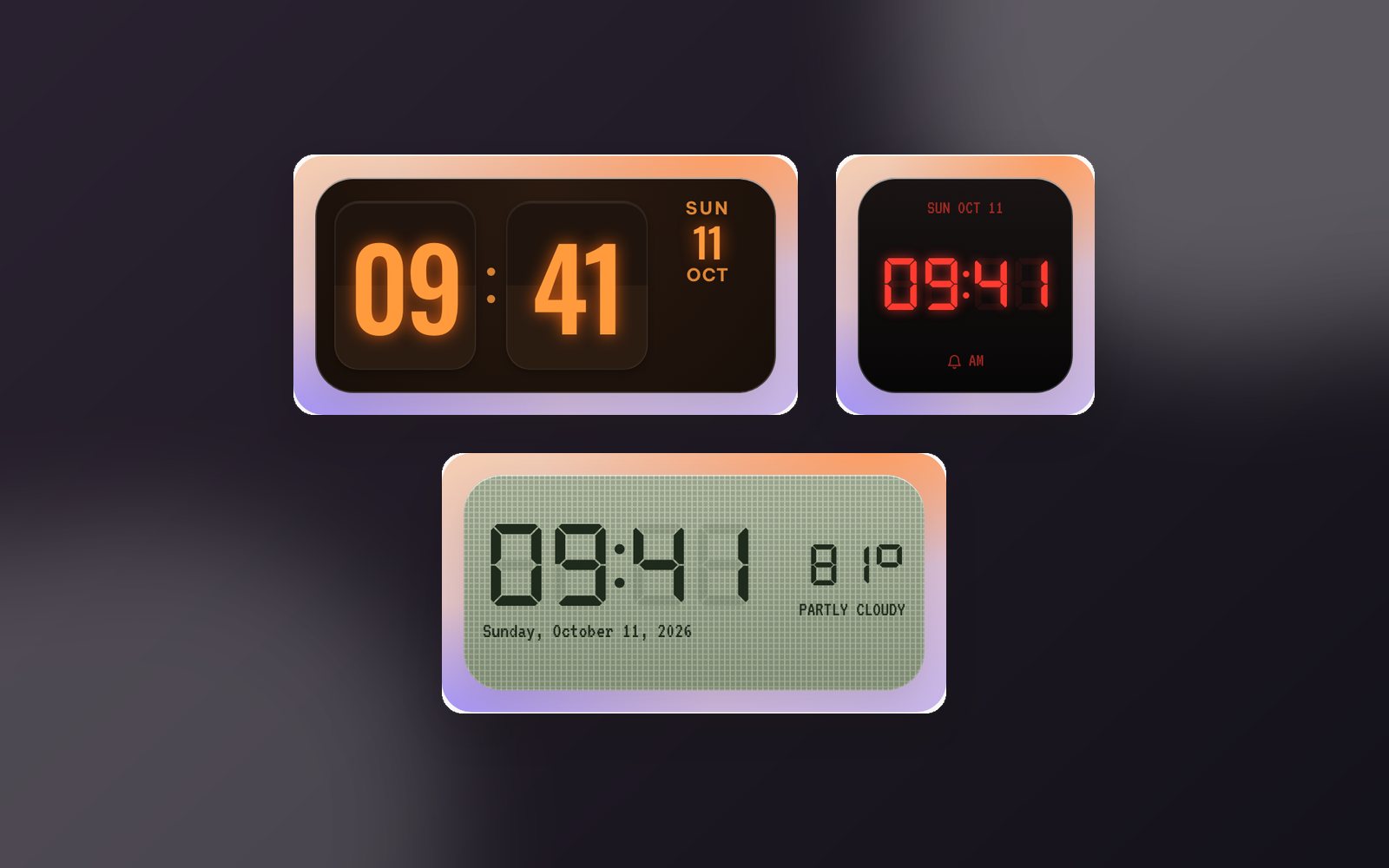
WidgyKit Nixie, LED and LCD retro clock widgets
Nixie amber, LCD olive, LED alarm, Dot matrix and Neon night: five retro digital clock widgets in WidgyKit, each one a nod to a different era of technology.